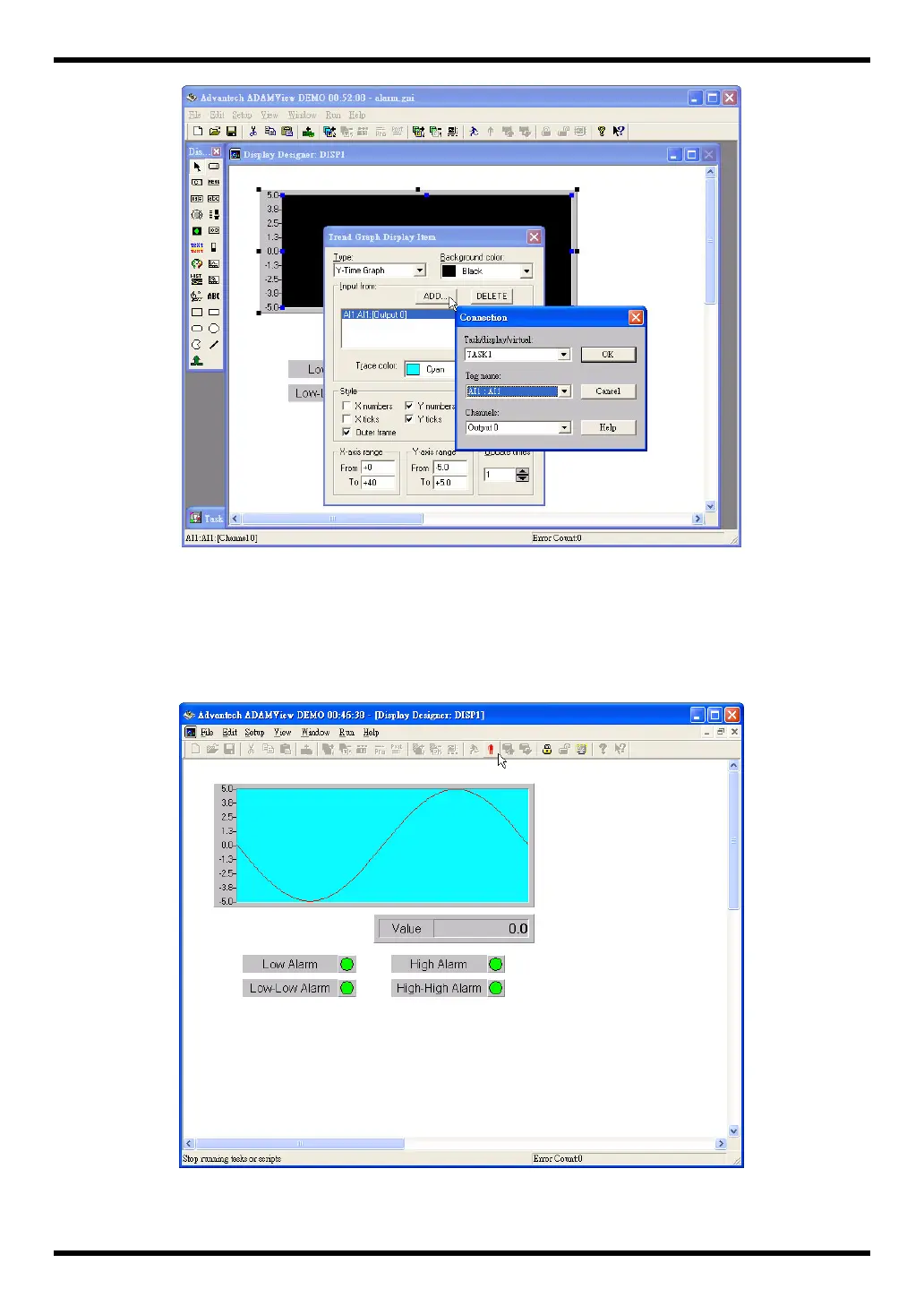
Figure 2-3 Task and Display connection
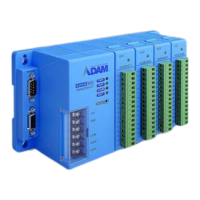
2. Run the DEMO Strategy. To run the Strategy from within ADAMView Builder, first save the Strategy
(File, Save), and then press Run, located on the menu bar at the top of the Strategy Editor. The
DEMO I/O Device’s ± 5 volt sine wave will be generated in real time on the Y-T display. The sine
wave continues to be generated until you press Stop on the Run Menu bar. You can also run from an
icon called ADAMView Runtime.
Figure 2-4 DEMO01 running
26



 To Next Page