6
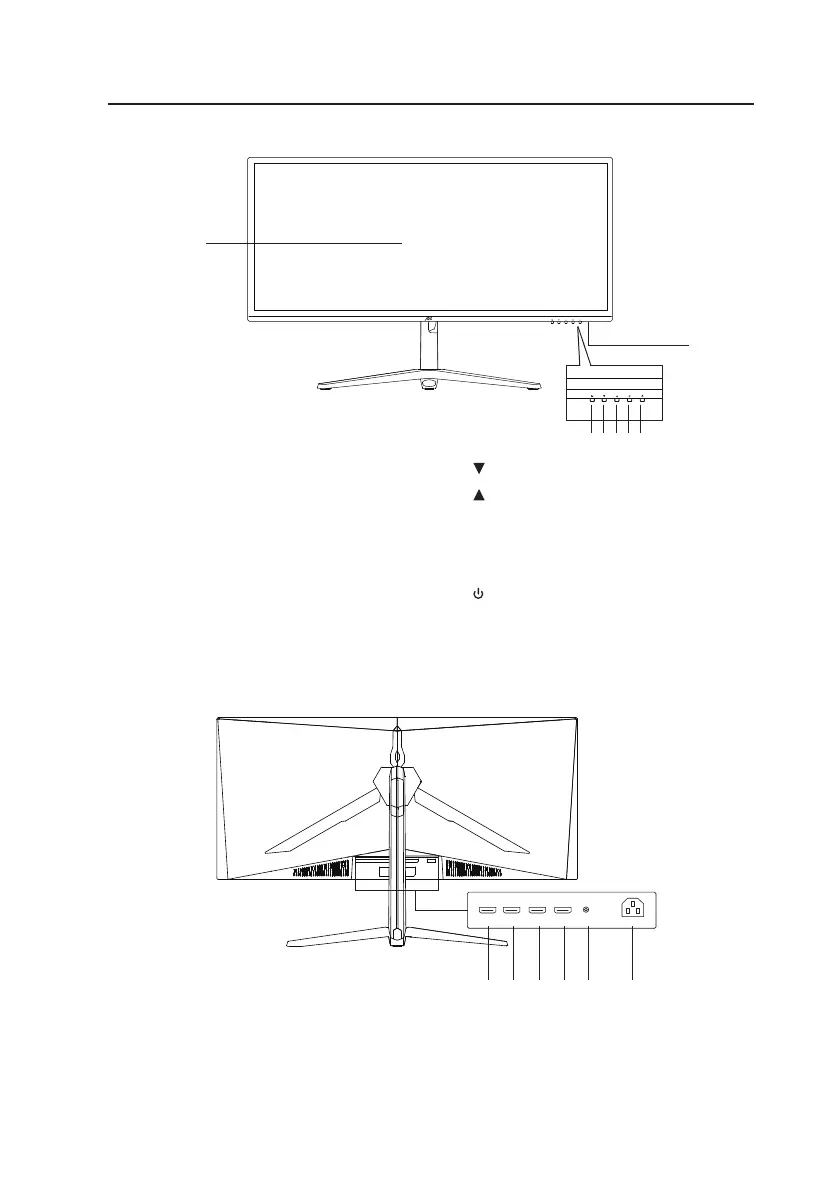
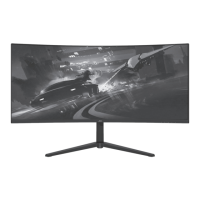
1. Screen Display
2. Indicator
• Light up Blue while power on.
• Flash in blue if no video source or
voltage is low.
3. M Button
• Press to enter OSD menu.
• Press to conrm your selection.
1. HDMI2 Socket
2. HDMI1 Socket
3. DP2 Socket
Product Overview
Front View
Rear View
1
2
3 4 5 6 7
4. Down Button
5.
Up Button
6. E Button
Press to enter input source menu.
Press to exit.
7.
Power Button
Press to switch on/o the unit.
1 2 3 4 5 6
AC IN
DP1HDMI 1 DP2 AUDIO AC~HDMI2
4. DP1 Socket
5. AUDIO Socket
6. AC~ Socket



 To Next Page