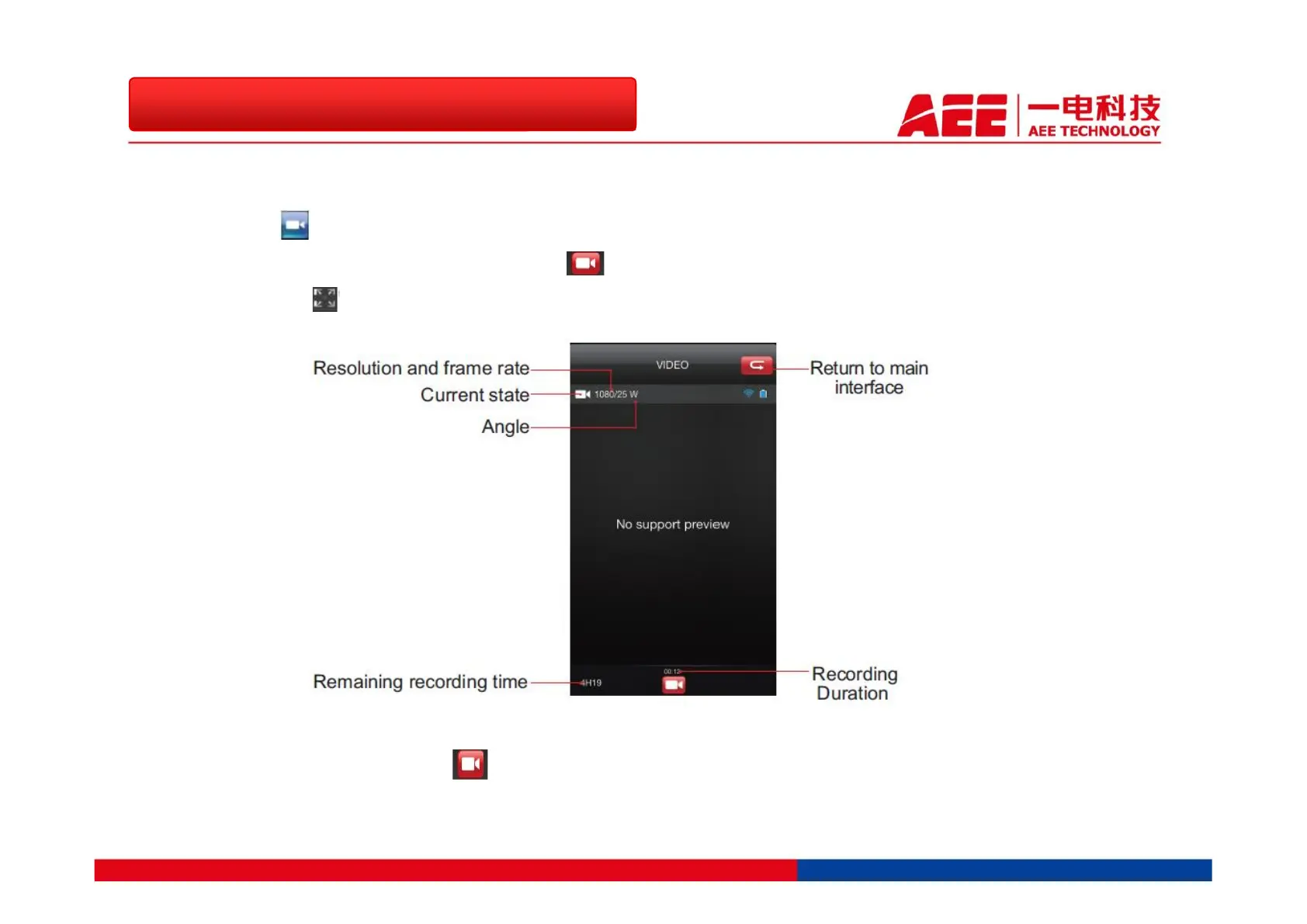
Hit the icon , you will see that the “current state” icon turns to “recording”. Then hit the
“current state” icon again, it will turn to to start recording. You can then hit the “maximization
preview” icon to enter the full-screen display interface.
To stop the recording, hit the again. To set the video recording resolution, hit the “Preferences”
icon. Available settings: 1080p/(50/48/25/24f);960p(48/50f);720p(100/50f).
1.3 More Convenient Wi-Fi Extension
1.3.2 Operation – Recording Video



 To Next Page