Operating Instructions
9
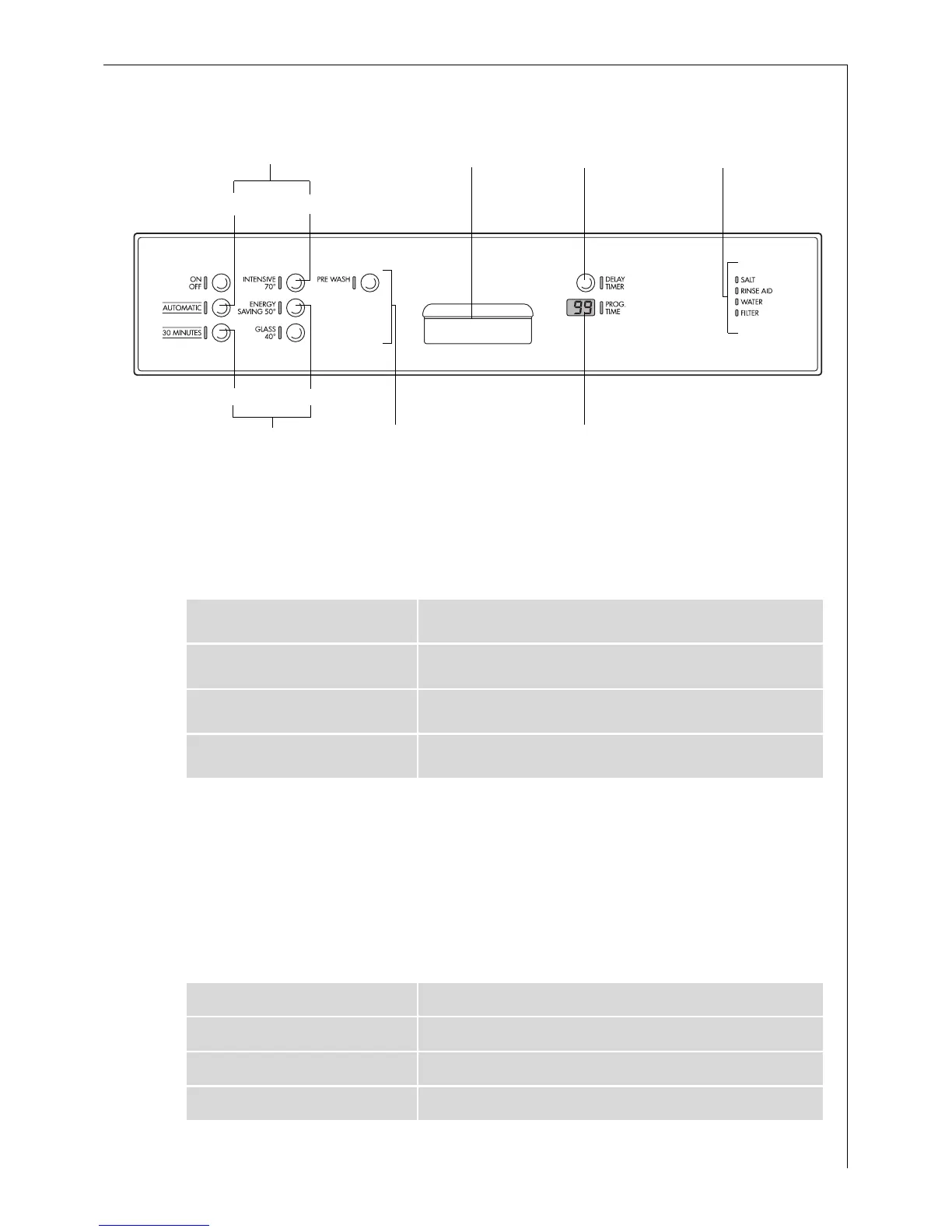
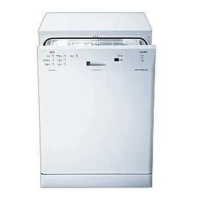
Control Panel
The control panel consists of the ON/OFF button and the programme
buttons with LED displays.
Function buttons: In addition to the stated wash programme the fol-
lowing functions can also be set using these buttons:
The Multi-Display can display,
– the hardness setting to which the water softener is set.
– whether the rinse aid supply is switched on/off.
– the start delay that is set.
– how long the current wash programme can be expected to last.
– which fault has occurred on the dishwasher.
Indicators have the following significance:
Function Button 1 - is not occupied -
Function Button 2 Adjust the water softener
Function Button 3 Switch rinse aid supply on and off
Function Button 4 - is not occupied -
SALT Refill with special salt
RINSE AID Refill with rinse aid
WATER Open the tap
FILTER Clean the dishwasher’s filter system
Multi-Display
Control Panel
Indicators
Set Start Delay
Function Buttons
1
Door Handle
Function Buttons
2
3
4



 To Next Page