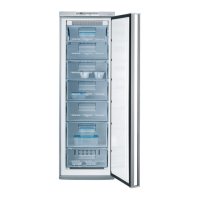
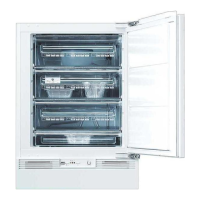
Description of the appliance
16 818 22 92-00/6
Control Panel
1 ON/OFF button and ON/OFF indicator light (green)
2 Temperature display
3 Temperature setting buttons
4 TURBO/FROSTMATIC button and TURBO/FROSTMATIC indicator light
(yellow)
5 ALARM OFF button and warning indicator light (red)
(see section: "Control and Information Systems")
Temperature setting buttons
The temperature is adjusted using the
„+“ (WARMER) and „-“ (COLDER) buttons.
These buttons are connected to the temperature display.
• The temperature display is switched over from the display of the
ACTUAL temperature (Temperature display is illuminated) to the dis-
play of the DESIRED temperature (Temperature display flashes) by
pressing one of the two buttons, „+“ (WARMER) or „-“ (COLDER).
• Each time one of the two buttons is pressed again the DESIRED tem-
perature is adjusted by 1 °C.
• If neither button is pressed, the temperature display automatically
switches back after a short period (approx. 5 sec.) to the display of
the ACTUAL temperature. The ACTUAL temperature in the appliance is
now adjusted to match the preset DESIRED temperature.
DESIRED temperature means:
The temperature that is required in the appliance, this can be adjusted
to the temperatures shown in the display. The DESIRED temperature is
indicated by flashing numbers.
ACTUAL temperature means:
The temperature display indicates the temperature that is currently
present in the appliance. The ACTUAL temperature is indicated with
illuminated numbers.
3
Once the TURBO/FROSTMATIC function has been switched on the
DESIRED temperature that was set originally cannot be changed.



 To Next Page
 Loading...