Description of the symbols on the display
The symbol ♥ is flashing during the whole time until the measurement is
finished.
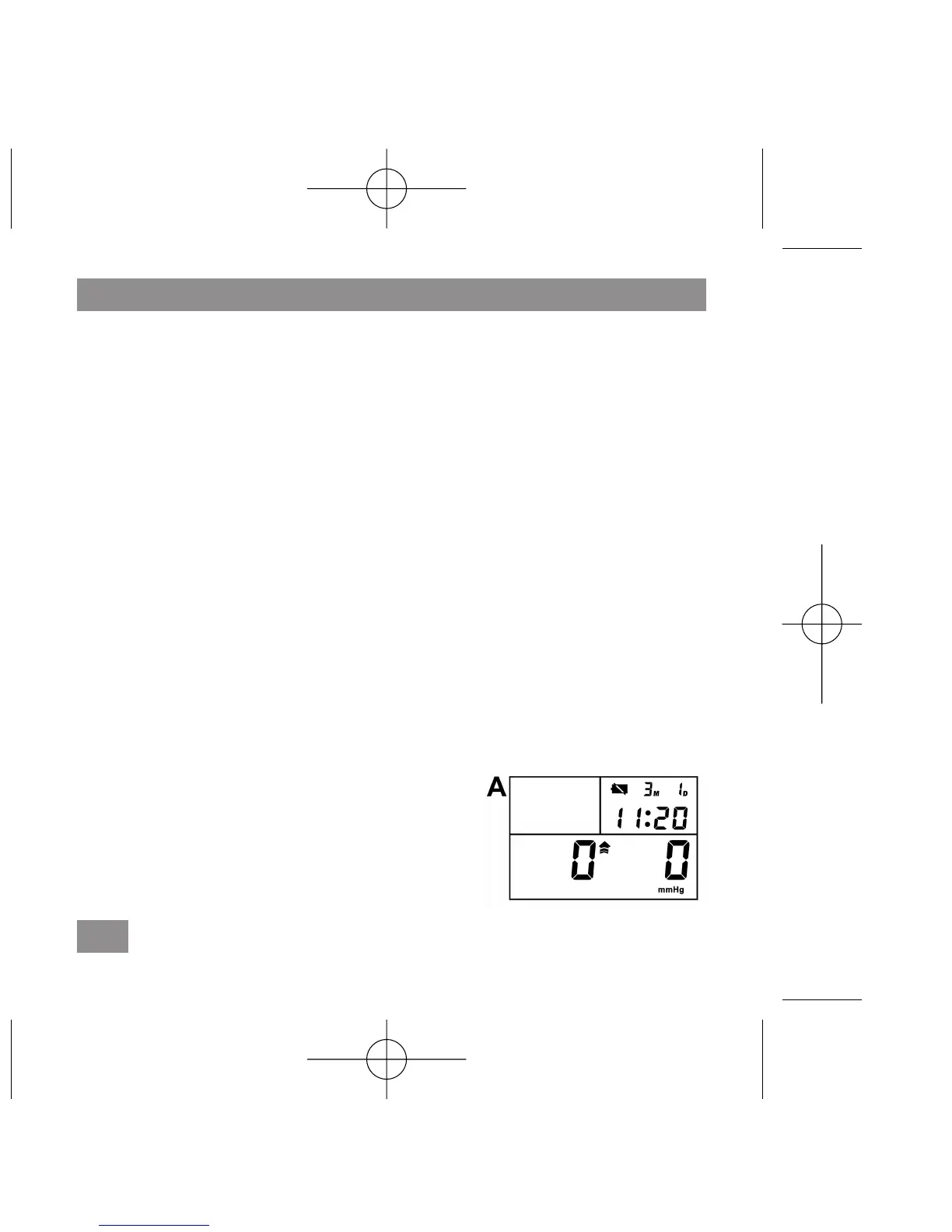
Measuring error: EE and RETEST will be displayed if the blood pressure
could not be measured exactly. Wait until the display mode 0 0 (fig. A)
appears again. The cuff must be wrapped around the wrist as described in
the Operating Instructions. Relax your hand. Do not move or talk during mea-
suring. Pay attention to the correct posture.
Measuring instructions
A. Setting date and time
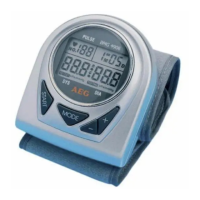
a Keep pressed the MODE button for a while („Month“ (M) starts flashing).
Use the – or + button to set the correct month (1, 2, 3, … 12).
b. Push the MODE button again – ‘Day’ (D) starts to flash.
Use the – or + button to set the correct day.
Repeat the above steps to set the correct time (hours, minutes). Finish
the setting procedure by pushing the MODE button again.
B. Measuring blood pressure
a. Wrap the cuff around your wrist (see sec-
tion ‘Putting on the cuff’).
b. Sit down on a chair and take up an upright
position (see section ‘Correct body position
for measuring’).
c. Keep pressed the START button for approx.
2 seconds in order to switch on the device.
78
GB
AEG_BMG_4906_BedAnl_80x80_3.qxd 19.02.2008 17:35 Uhr


 To Next Page