
 To Next Page
J
Jennifer GarciaAug 5, 2025
How to replace the lamp in my AEG Oven?
- AAndrew MartinAug 5, 2025
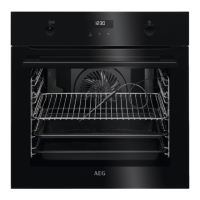
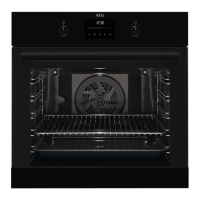
To replace the lamp in your AEG oven: 1. Turn off the oven and wait until it cools down. 2. Disconnect the oven from the power supply. 3. Place a cloth on the oven's bottom. 4. Turn the glass cover to remove it and clean it. 5. Replace the lamp with a heat-resistant (300 °C) lamp. 6. Reinstall the glass cover.
 General