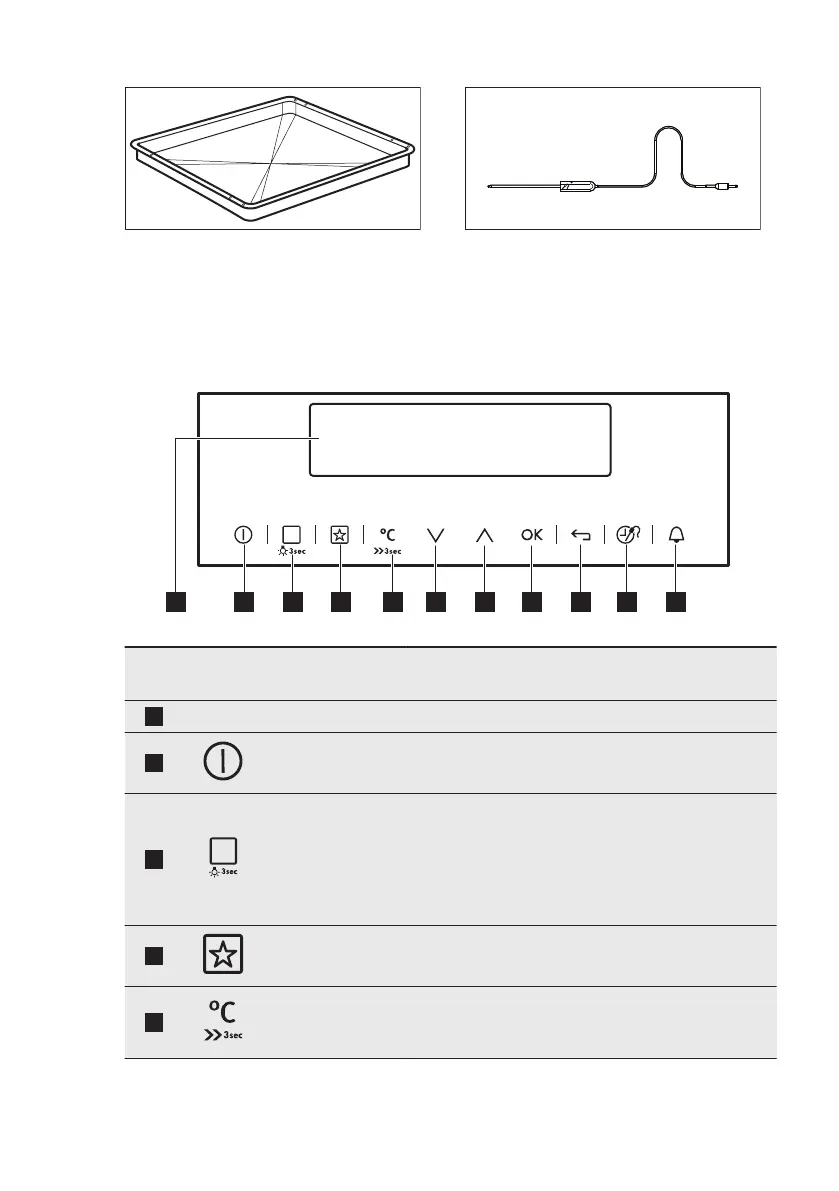
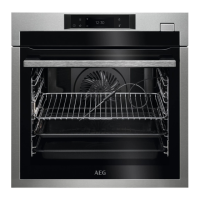
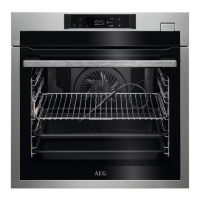
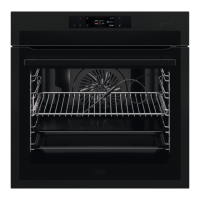
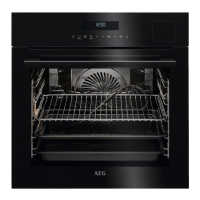
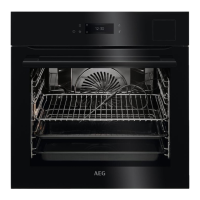
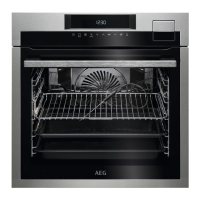
Grill- / Roasting pan
To bake and roast or as a pan to collect
fat.
Food Sensor
To measure the temperature inside the
food.
4. CONTROL PANEL
4.1 Electronic programmer
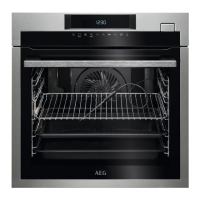
Use the sensor fields to operate the appliance.
Sensor
field
Function Comment
1
- Display Shows the current settings of the oven.
2
ON / OFF To turn the oven on and off.
3
Heating Functions
or Assisted Cook-
ing
Press the sensor field once to choose a heating
function or the menu: Assisted Cooking. Press the
sensor field again to switch between the menus:
Heating Functions, Assisted Cooking. To turn on
or turn off the light, press the field for 3 seconds.
You can turn on the light also when the oven is off.
4
Favourites To save and access your favourite programmes.
5
Temperature se-
lection
To set the temperature or show the current tem-
perature in the oven. Press the field for 3 seconds
to turn on or turn off the function: Fast Heat Up.
www.aeg.com8


 To Next Page