To Next Page
J
Joseph WelchAug 8, 2025
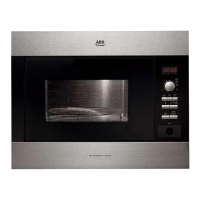
How to replace the lamp in AEG CMK36506MM Microwave Oven?
- HHeather VincentAug 9, 2025
To replace the lamp in your AEG Microwave Oven: * First, turn off the oven and wait until it is cold. * Disconnect the appliance from the mains. * Put a cloth on the bottom of the cavity. * Turn the glass cover to remove it and clean the glass cover. * Replace the lamp with a suitable 300 °C heat-resistant lamp, always holding the halogen lamp with a cloth to prevent grease residue from burning on the lamp. * Install the glass cover.
 General