• The indicator continues to
flash.
• The display shows the current
setting:
– = Acoustic signal off.
– = Acoustic signal on.
3. Press to change the setting.
4. Press the on/off button to confirm
the setting.
6.5 AirDry
AirDry improves the drying results with
less energy consumption.
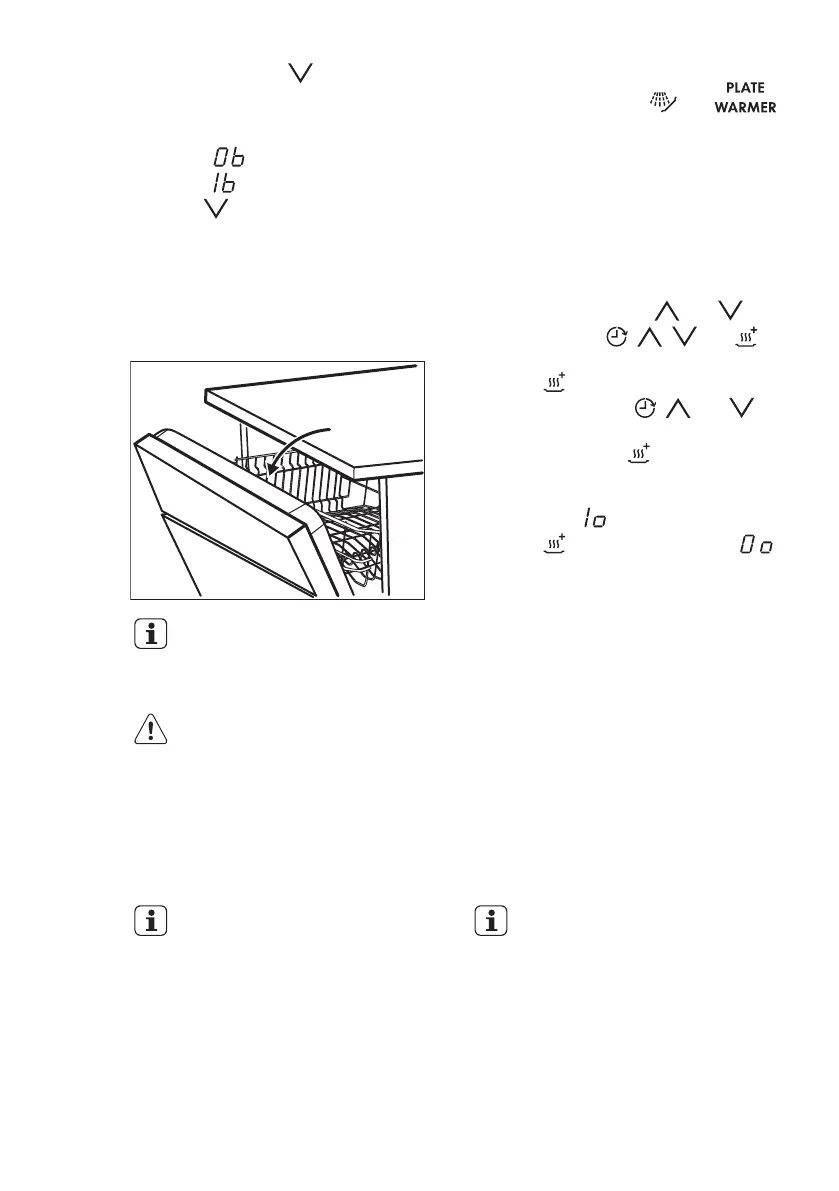
While the drying phase
operates, a device opens the
appliance door. The door is
then kept ajar.
CAUTION!
Do not try to close the
appliance door within 2
minutes after automatic
open. This can cause
damage to the appliance.
AirDry is automatically activated with all
programmes excluding and
(if applicable).
To improve the drying performance refer
to the XtraDry option or activate AirDry.
How to deactivate AirDry
The appliance must be in programme
selection mode.
1. To enter the user mode, press and
hold simultaneously and until
the indicators
, , and
start to flash and the display is blank.
2. Press .
• The indicators
, and go
off.
• The indicator continues to
flash.
• The display shows the current
setting: = AirDry activated.
3. Press to change the setting:
= AirDry deactivated.
4. Press the on/off button to confirm
the setting.
7.
OPTIONS
Desired options must be
activated every time before
you start a programme.
It is not possible to activate
or deactivate options while a
programme is running.
Not all options are
compatible with each other.
If you have selected non
compatible options, the
appliance will automatically
deactivate one or more of
them. Only the indicators of
the options still active will
stay on.
ENGLISH 33
Downloaded from www.vandenborre.be



 To Next Page