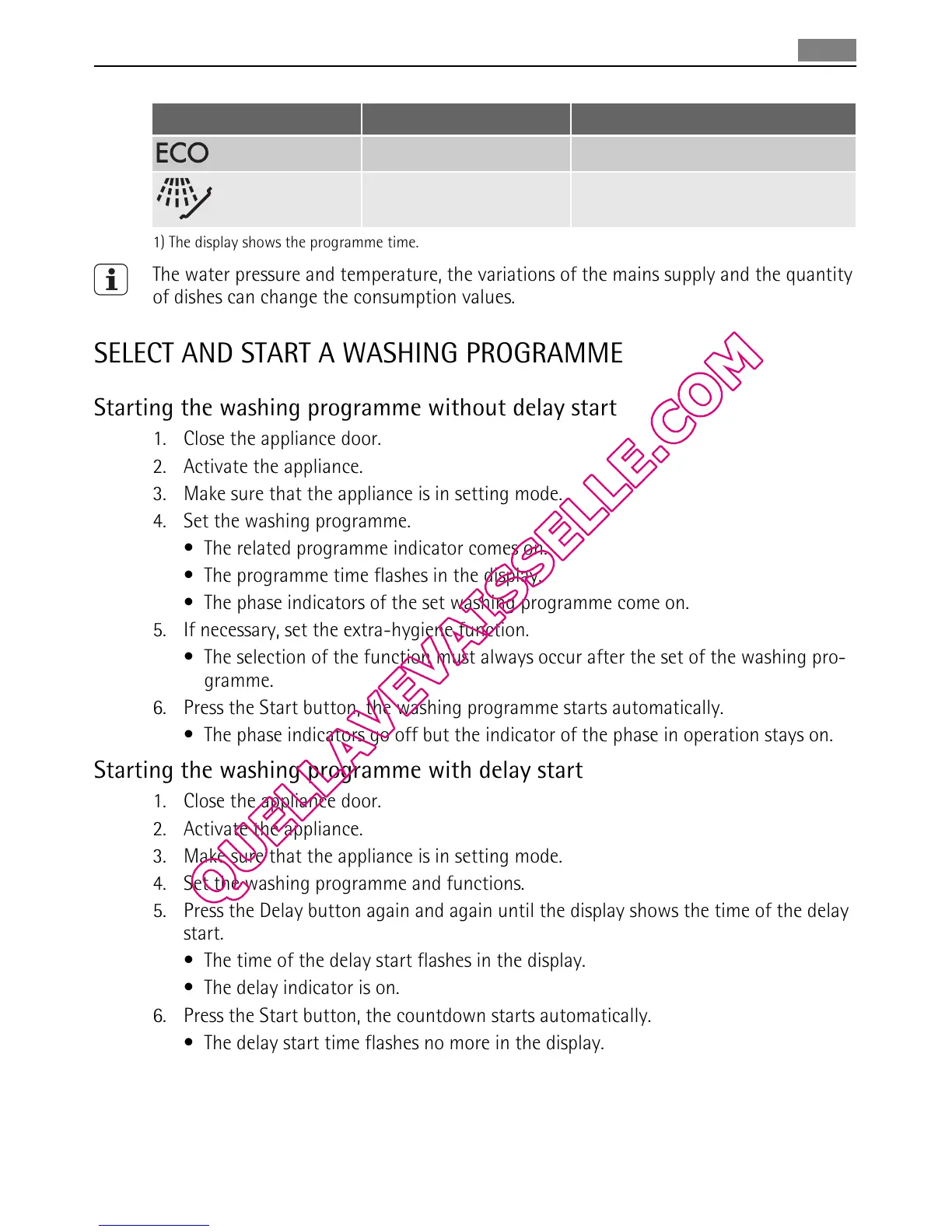
Programme
1)
Energy (kWh) Water (litre)
1,0 - 1,1 10 - 11
0,1 4
1) The display shows the programme time.
The water pressure and temperature, the variations of the mains supply and the quantity
of dishes can change the consumption values.
SELECT AND START A WASHING PROGRAMME
Starting the washing programme without delay start
1. Close the appliance door.
2. Activate the appliance.
3. Make sure that the appliance is in setting mode.
4. Set the washing programme.
• The related programme indicator comes on.
• The programme time flashes in the display.
• The phase indicators of the set washing programme come on.
5. If necessary, set the extra-hygiene function.
• The selection of the function must always occur after the set of the washing pro-
gramme.
6. Press the Start button, the washing programme starts automatically.
• The phase indicators go off but the indicator of the phase in operation stays on.
Starting the washing programme with delay start
1. Close the appliance door.
2. Activate the appliance.
3. Make sure that the appliance is in setting mode.
4. Set the washing programme and functions.
5. Press the Delay button again and again until the display shows the time of the delay
start.
• The time of the delay start flashes in the display.
• The delay indicator is on.
6. Press the Start button, the countdown starts automatically.
• The delay start time flashes no more in the display.
• The phase indicators of the set washing programme go off.
• When the countdown is completed, the washing programme starts automatically.
– The indicator of the phase in operation is on.
Select and start a washing programme
39


 To Next Page