74
• Press the battery down till you hear a click.
• Attach the Battery cover again.
Keep batteries away from children (A lithium cell
(CR2032) is included with the delivery of the device.)
The positive pole (+) must be on top, the negative
pole (-) on the bottom.
The device is delivered with the battery in place.
• Remove – if present- the protecting foil between battery
and pole. This foil protects the battery during transport
from potential discharge.
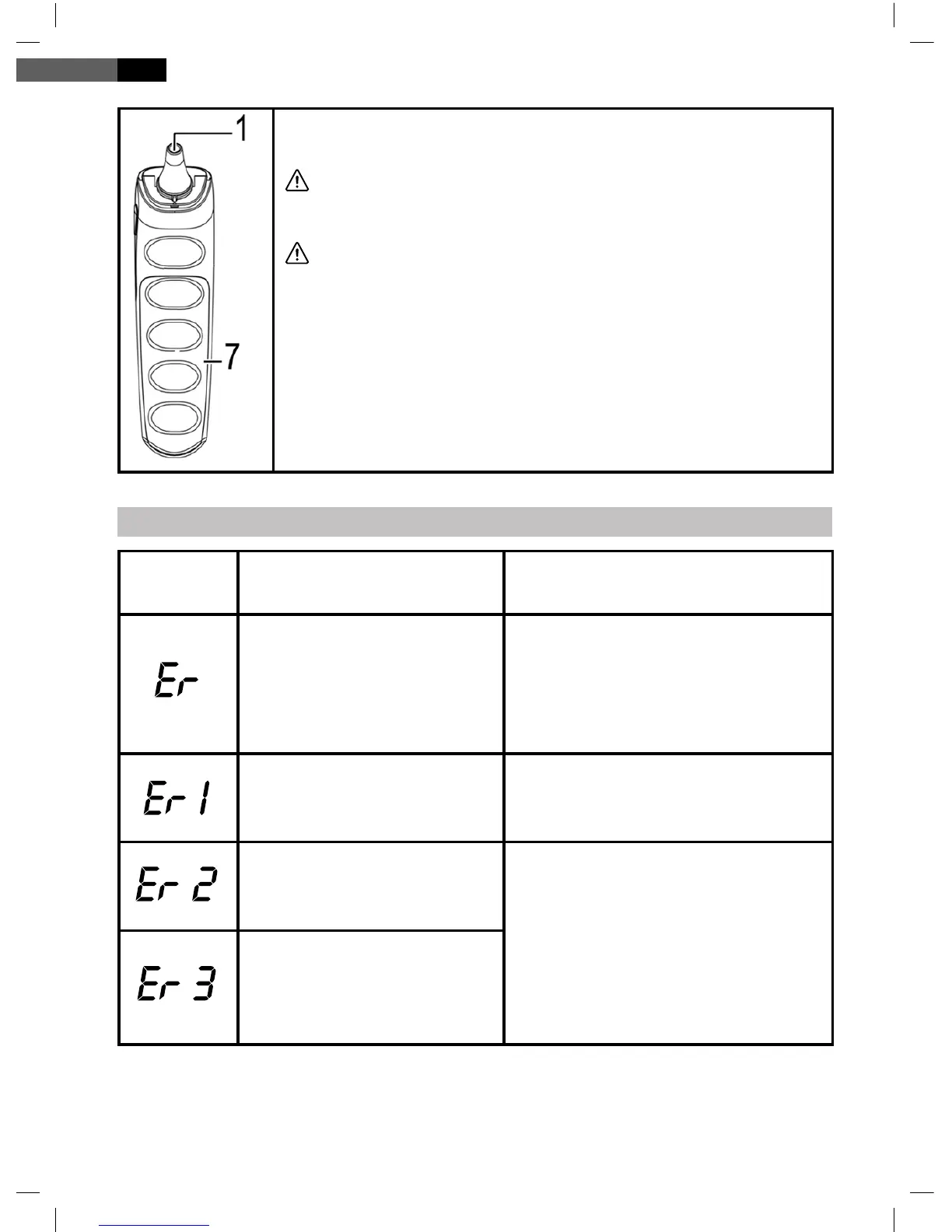
Error
Display
Problem Solution
Error 5~9,the system
doesn’t function properly.
Remove the battery for one
minute and insert it again.
If the error message appears
again, consult a service special-
ist.
Measurement was taken
before the device was
ready.
Wait till the display doesn’t ash
any more.
The device displays a
grave change in ambient
temperature.
Put the thermometer in a room
with a temperature of 10°C ~
40°C (50°F ~104°F) for at least
30 minutes.
The room temperature
is not within the range
of 10°C~ 40°C (50°F
~104°F).
English
Troubleshooting


 To Next Page