• Cut off the mains cable and discard it.
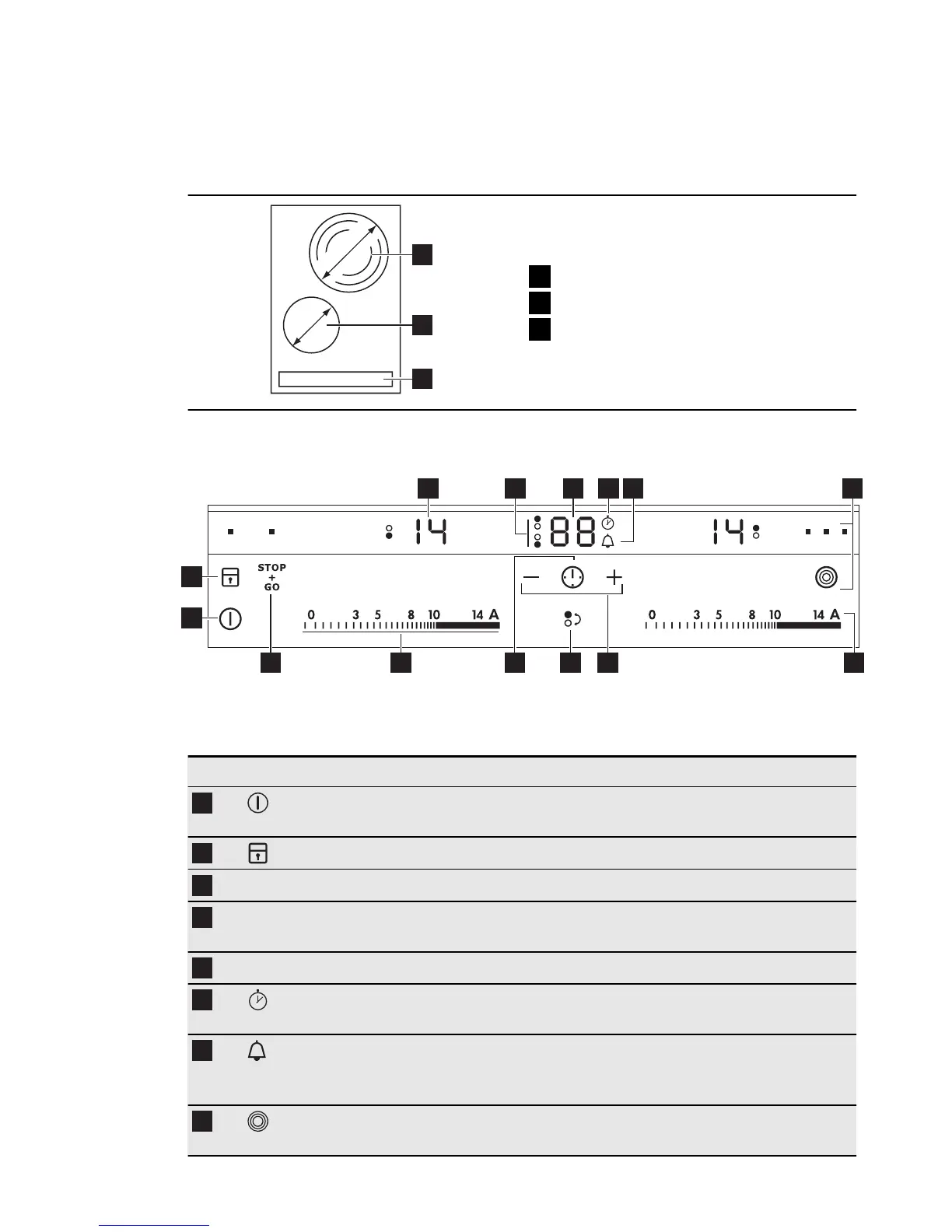
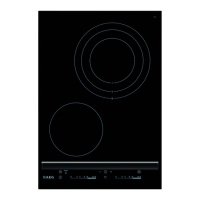
3. PRODUCT DESCRIPTION
1
3
2
120/175/210
mm
145
mm
1
Cooking zone
2
Cooking zone
3
Control panel
3.1 Control panel layout
5 63
1014 1113 912
2
1
7 84
Use the sensor fields to operate the appliance. The displays, indicators and
sounds tell which functions operate.
Sensor field Function
1
To activate and deactivate the appli-
ance.
2
To lock / unlock the control panel.
3
Heat setting display To show the heat setting.
4
Timer indicators of cooking
zones
To show for which of the cooking zones
you set the time.
5
Timer display To show the time in minutes.
6
To show that the Count Up Timer func-
tion operates (1–59).
7
To show that the Count Down Timer op-
erates (1 to 99 minutes) or show that Mi-
nute Minder operates.
8
To activate and deactivate the outer
rings.
6
www.aeg.com


 To Next Page