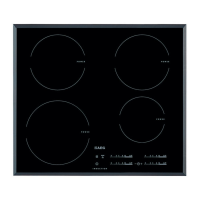
Sensor
field
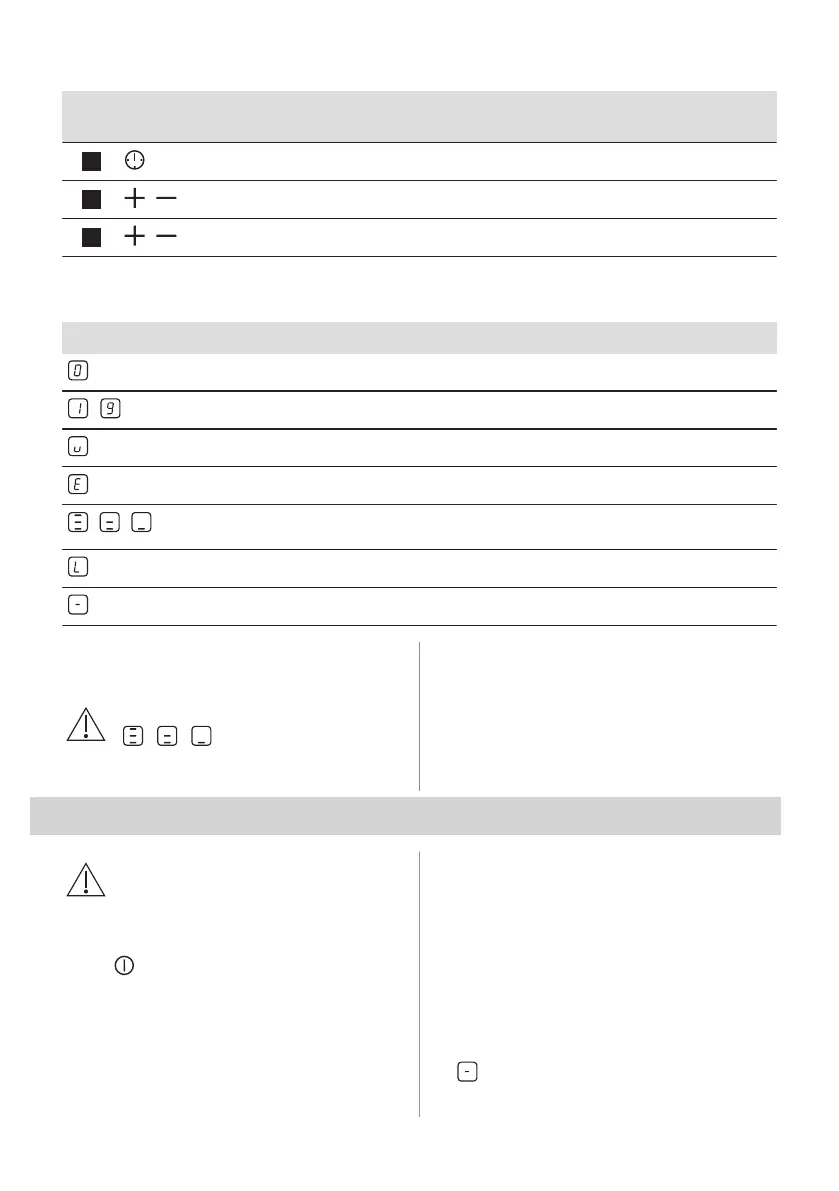
Function Comment
8
- To select the cooking zone.
9
/
- To increase or decrease the time.
10
/
- To set a heat setting.
4.3 Heat setting displays
Display Description
The cooking zone is deactivated.
-
The cooking zone operates.
Pause operates.
+ digit
There is a malfunction.
/ /
OptiHeat Control (3 step Residual heat indicator): continue cooking / keep warm / resid‐
ual heat.
Lock / Child Safety Device operates.
Automatic Switch Off operates.
4.4 OptiHeat Control (3 step
Residual heat indicator)
WARNING!
/ / There is a risk of
burns from residual heat.
The indicators show the level of the residual
heat for the cooking zones you are currently
using. The indicators may also come on for
the neighbouring cooking zones even if you
are not using them.
5. DAILY USE
WARNING!
Refer to Safety chapters.
5.1 Activating and deactivating
Touch for 1 second to activate or
deactivate the hob.
5.2 Automatic Switch Off
The function deactivates the hob
automatically if:
• all cooking zones are deactivated,
• you do not set the heat setting after you
activate the hob,
• you spill something or put something on
the control panel for more than 10
seconds (a pan, a cloth, etc.). An acoustic
signal sounds and the hob deactivates.
Remove the object or clean the control
panel.
• you do not deactivate a cooking zone or
change the heat setting. After some time
comes on and the hob deactivates.
ENGLISH 59



 To Next Page