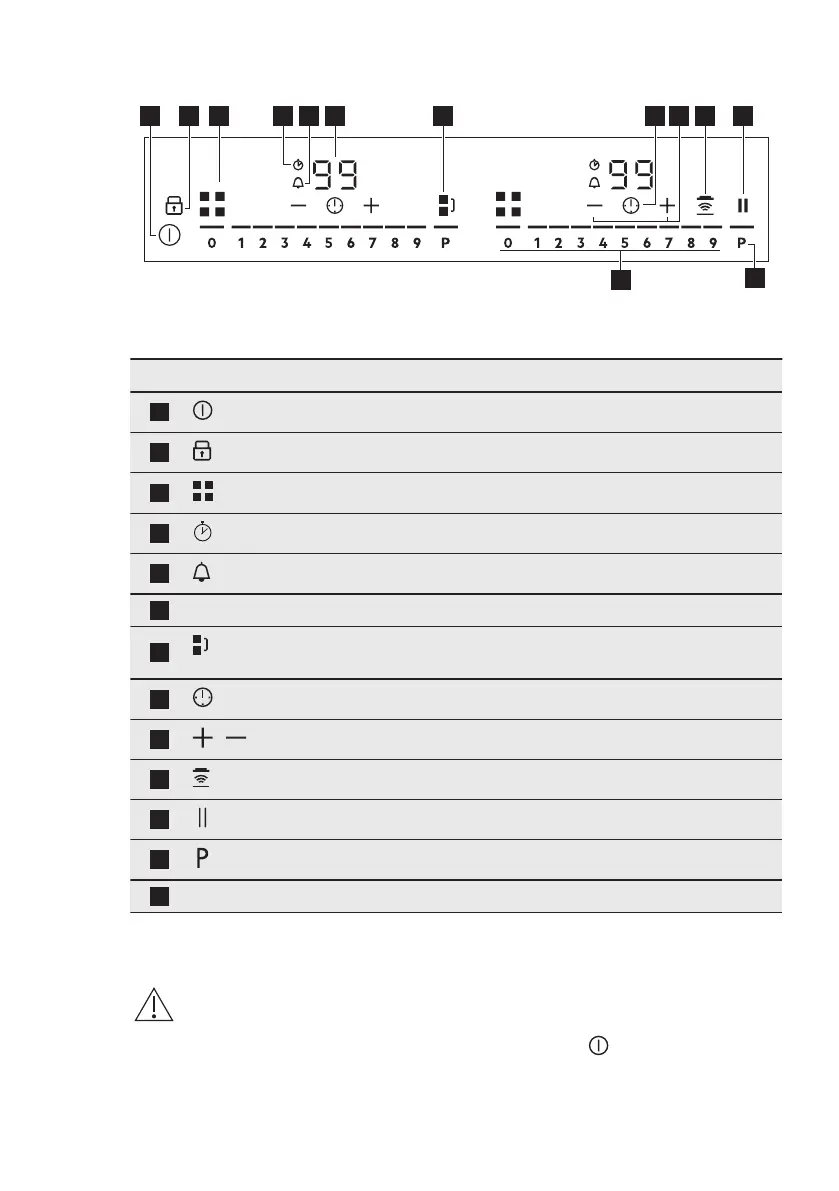
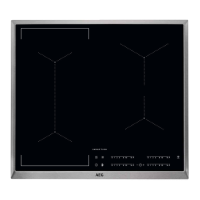
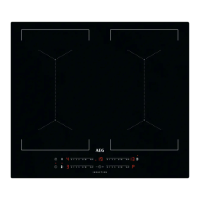
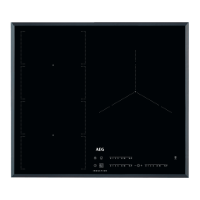
4.2 Control panel layout
Use the sensor fields to operate the appliance. The displays, indicators and sounds
tell which functions operate.
Sensor field Comment
1
To activate and deactivate the hob.
2
To activate and deactivate Lock or Child Safety Device.
3
To show the active zone.
4
CountUp Timer indicator.
5
Count Down Timer indicator.
6
- Timer display: 00 - 99 minutes.
7
To activate and deactivate Bridge and to switch between the
modes.
8
To select Timer functions.
9
/
To increase and decrease the time.
10
To activate and deactivate Hob²Hood.
11
To activate and deactivate Pause.
12
To activate PowerBoost.
13
- To set a heat setting: 0 - 9.
5. DAILY USE
WARNING!
Refer to Safety chapters.
5.1 Activating and
deactivating
Press and hold to activate or
deactivate the hob.
ENGLISH 9


 To Next Page