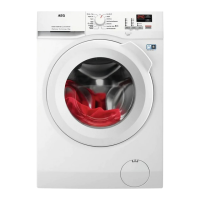
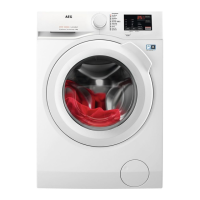
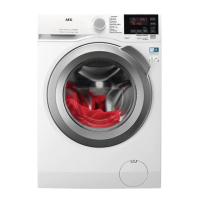
1
On/Off touch button
2
Programme dial
3
Display
4
Delay Start touch button
5
Time Save touch button
6
Start/Pause touch button
7
Options touch button
• Stains option
• Prewash option
8
Spin reduction touch button
9
Temp. touch button
7.2 Display
A The digital indicator can show:
• Programme duration (e. g. ).
• Delay time (e. g. or ).
• Cycle end (
).
• Warning code ( ).
B Extra rinse indicator. It lights on when this option is se‐
lected .
C
The indicator blink during the laundry load detec‐
tions.
D Child safety lock indicator.
E Door locked indicator.
8. DIAL AND BUTTONS
8.1 Programme dial
For selecting the desired washing
programme. Refer to 'Programmes'
chapter for more details.
The position
is a "Reset" function,
which stops and resets the running
programme. When the selector is in this
position, display shows . It indicates
that no programme was selected.
ENGLISH 13


 To Next Page