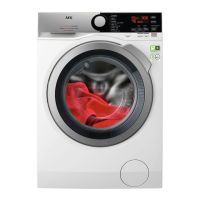
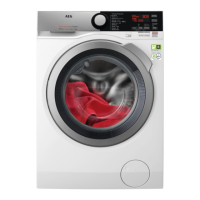
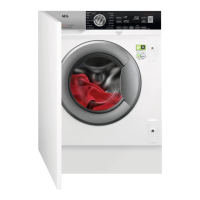
6. CONTROL PANEL
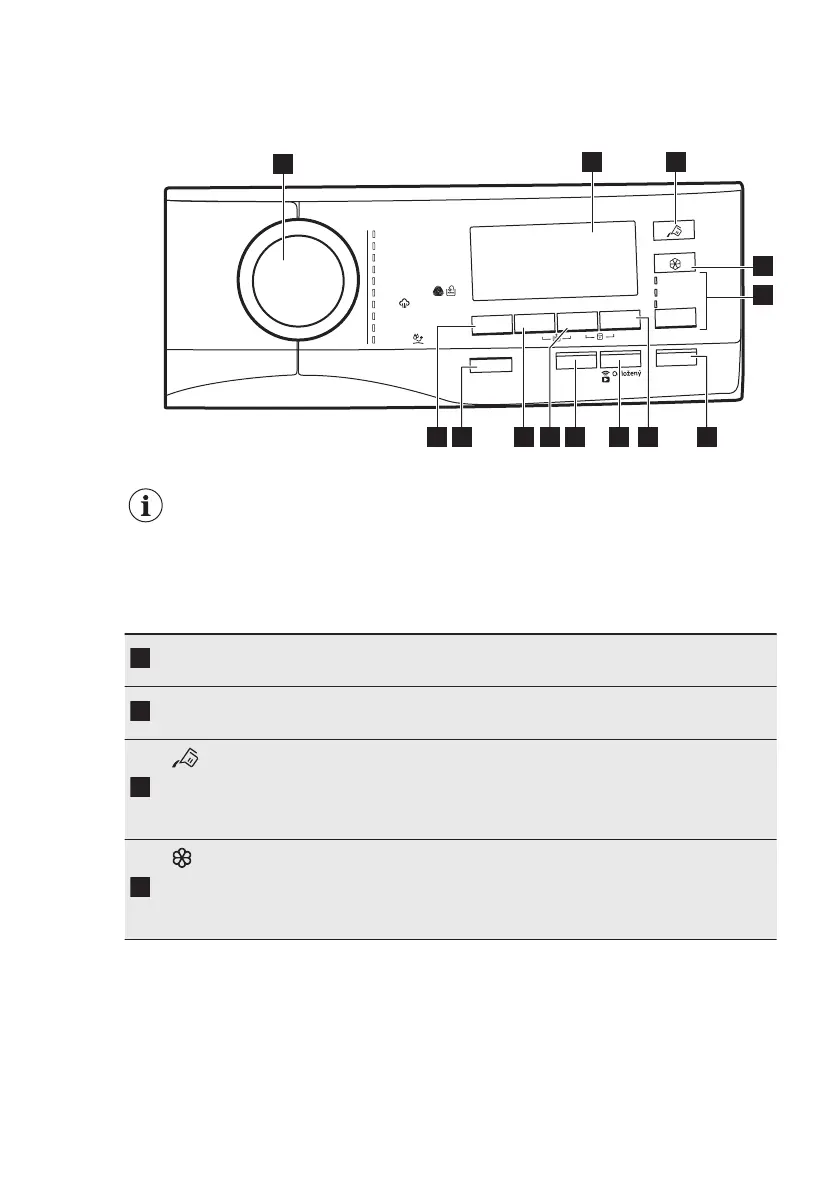
6.1 Control panel description
mar
g
orP
Eco 40-60
an
l
vaB
ÖK
O
Power
íb
á
v
deH/
a
n
l
V
aráP
ý
kc
i
g
r
e
l
ai
t
n
A
roo
d
t
u
O
gk
3 - .nim 02
old
á
r
p
énme
J
akitet
n
yS
Za
p
./V
y
p
.
P
ára plus
S
ta
r
t/Pauza
star
t
Odstřeď
ování
/
í
n
viznetnI
Předpírka
Úspora času
Vol
b
a
Te
plota
Pouze
odstřeď
ování
Pouze
v
yp
ouště
ní
P
ou
z
e
mác
hání
2
3
6
12 11 10 8
1
4
5
7
9
13
The options are not selectable with all washing programmes. Check the
compatibility between options and washing programmes in the "AutoDose
and options compatibility with programmes" paragraph in the
"Programmes" chapter. An option can exclude another one, in this case
the appliance doesn't allow you to set the incompatible options together.
Make sure the screen and touch buttons are always clean and dry.
Programme di‐
al
For selecting the desired washing programme. Refer to "Pro‐
grammes" chapter for more details.
Display
It provides information about the setting programme. Refer to
"Display" paragraph for more details.
AutoDose Liq‐
uid Detergent
touch button
For activating and deactivating the automatic detergent loading.
Refer to "The AutoDose Technology (Autodosing)" chapter for
more details.
AutoDose Fab‐
ric Softener
touch button
For activating and deactivating the automatic fabric softener load‐
ing. Refer to "The AutoDose Technology (Autodosing)" chapter for
more details.
www.aeg.com14



 To Next Page