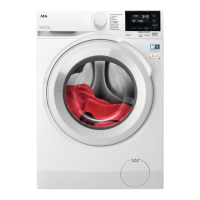
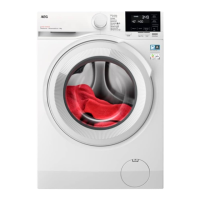
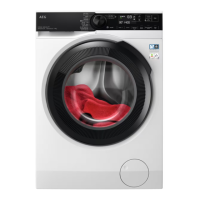
6. CONTROL PANEL
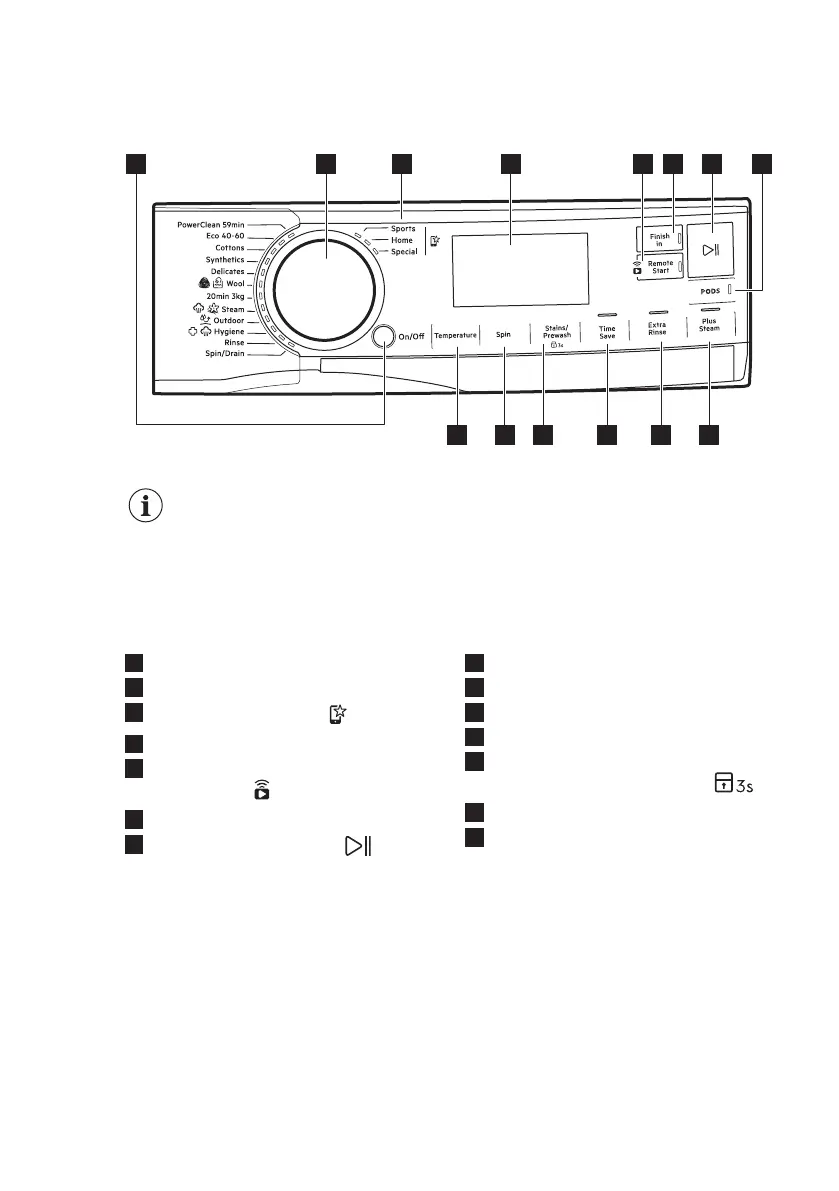
6.1 Control panel description
432
6 7 85
14 13 11 10 9
12
1
The options are not selectable with all washing programmes. Check the
compatibility between options and washing programmes in the "Options
compatibility with programmes" paragraph in the "Programmes" chapter.
An option can exclude another one, in this case the appliance doesn't
allow you to set the incompatible options together.
Make sure the screen and touch buttons are always clean and dry.
1
On/Off push button
2
Programme dial
3
Favourite programmes
4
Display
5
Wi-fi connection and Remote start
touch button
6
Finish in touch button
7
Start/Pause touch button
8
Pods touch button
9
Plus Steam touch button
10
Extra Rinse touch button
11
Time Save touch button
12
Stains/Prewash touch button and
permanent Child Lock option
13
Spin touch button
14
Temperature touch button
www.aeg.com14



 To Next Page