10.1 To access the Message menu
• Press Menu to show Message.
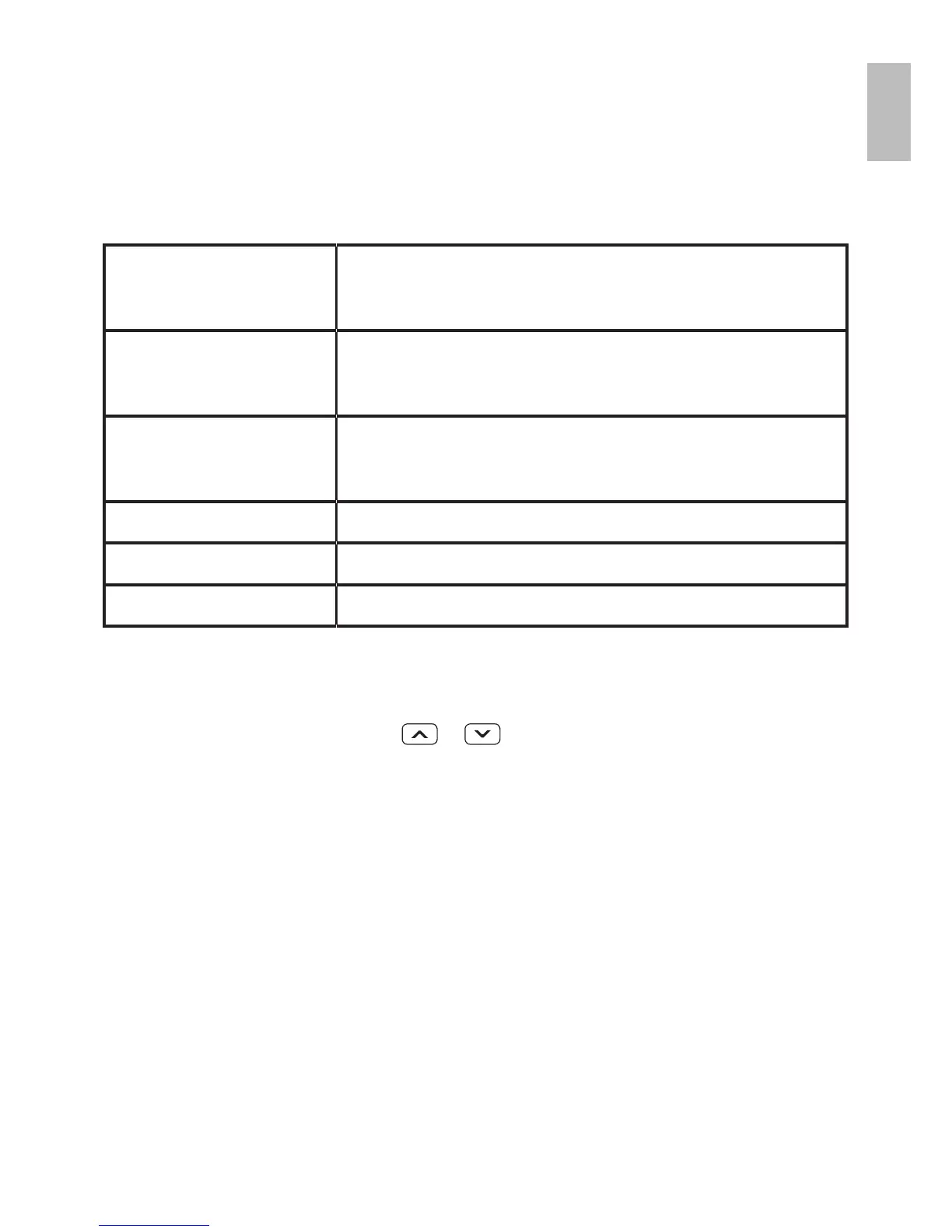
• Press OK to display the options:
Write
message
to write a new message.
Inbox to go to your inbox to
read received texts.
Outbox to go to your outbox
(includes saved drafts).
Drafts to view messages in draft.
Sent box to view the sent messages.
Templates Select templates
10.2 To write and send a text message
• Press Menu then
/ to show Message.
• Press OK to show Write message
• Write your message using the digit /letter keys.
Note:
•When writing text, use # to switch cases, to
Upper case (ABC), lower case (abc) or Numerals
(123).



 To Next Page