English
71
NOTE:
Toexecutethefunction,thedistancebetweenyourhandandthesensorsshouldbe
max.10cm.
Turn the beep off/on when using the infrared sensors
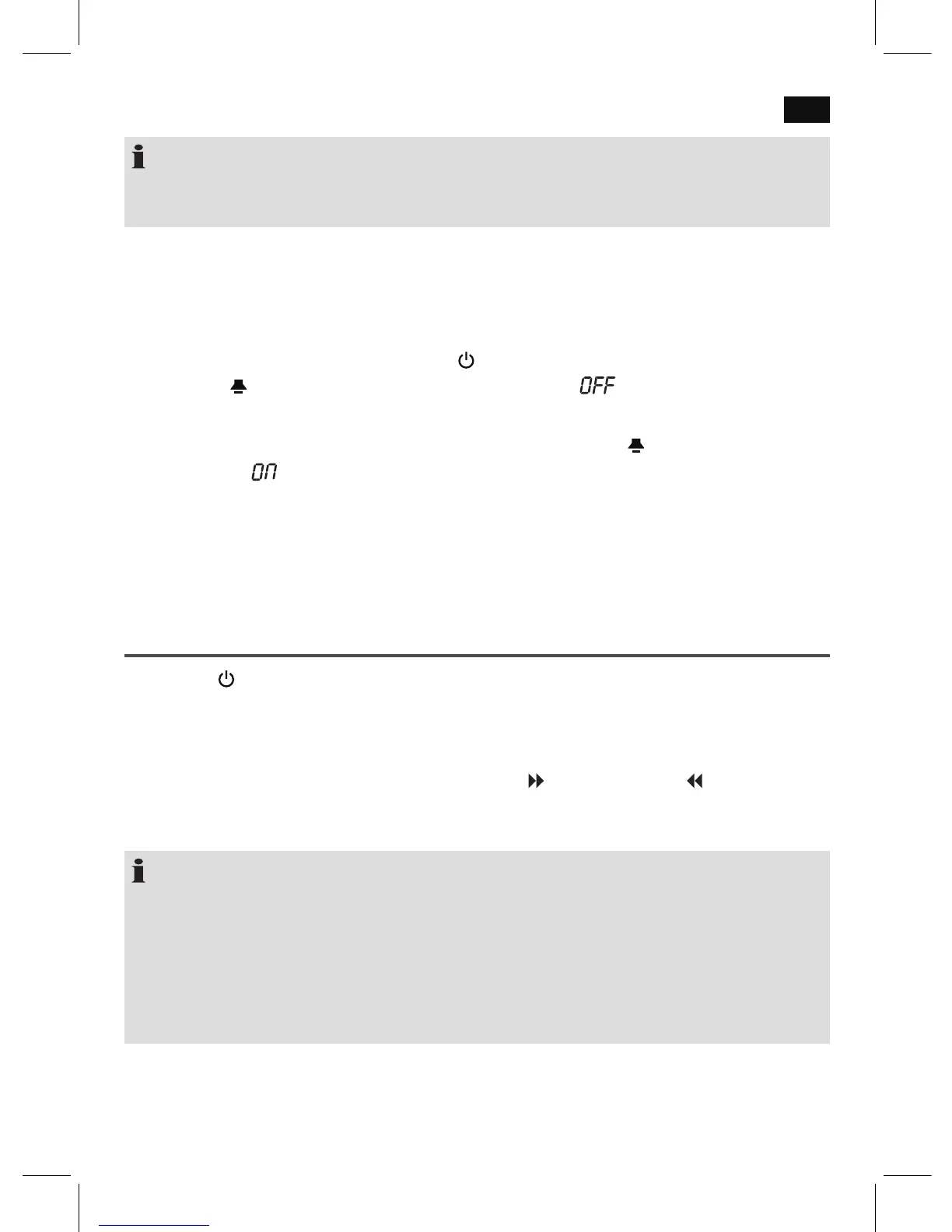
A beep sounds when you pass your hand over the infrared sensors. If you want to turn off
the beep, proceed as follows:
1. Switch the device to standby using the
button (9).
2. Keep the /SENSOR BEEP button (10) pressed until “ ” is shown briefly on the
display.
Turn the beep on again: To switch the beep on again, keep the
/SENSOR BEEP button
pressed again. “ ” briefly appears on the display.
Restore Factory Defaults
Any malfunctions during operation can be rectified by pressing the Reset button.
• Pushthe(13)buttonwiththehelpofawireorasimilaritemtoresettheelectronics.
Setting the Clock
1. Use the button (9) to switch the device to standby.
2. Hold the CLK.ADJ / TEMP button (5) depressed until the year indication on the display
flashes.
• Nowyoucansettheyear,themonth,theday,thetimedisplayformat(12Hr/24Hr),
the hours, and the minutes with the buttons / DST/C-F (7) and / Y-M-D (6).
• Ineachcase,conrmtheinputwiththeCLK.ADJ/TEMPbutton.Thecurrent
indication to be set flashes on the display.
NOTE:
• Theinputisstoredautomaticallywithinapproximately30secondswhennobuttonis
pressed.
• Ifthetimeisdisplayedin12hourformat,thepointnexttoPMlightsup(18):
PM=Afternoon
• Settingoftheweekdayisdoneautomatically.Fortechnicalreasons,theweekday
cannot be shown on the display.


 To Next Page