NOTE:
• Due to the different Smart phone types that are offered today, and their differ
-
ent charging capacities, the loading duration is dependent on the Smart phone
used and its operating condition.
• A playback of audio-files through this connector is not possible.
General Operation
Switch device on / off
• You can toggle the device between standby and radio mode with the ON / OFF
button. The dot next to “FM” and/or “AM“ lights up in radio mode.
• To disconnect the unit completely from the mains, pull the mains plug from the
socket.
Volume
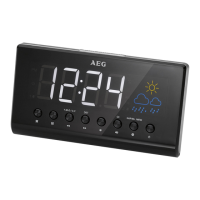
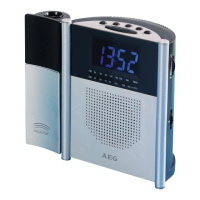
By pressing the AL1 / VOL − / AL2 / VOL+ buttons you can adjust the desired volume.
FM / AM / AUX button
Press the FM / AM / AUX button until the desired operating mode is shown on the
display.
Display Brightness
Use the DISPLAY / HIGH / LOW / OFF button to adjust the display brightness. Select
from: Light, dark and off.
Setting the time (in standby)
1. Keep the TIME SET / M + button pressed for a short time. The time indicator
begins to flash.
2. Set the hours with the HOUR / TU – button and the minutes with the MIN / TU +
button.
NOTE:
If you do not press a button within 4 seconds, the settings are automatically
accepted.


 To Next Page