Automatic Alarm Interval
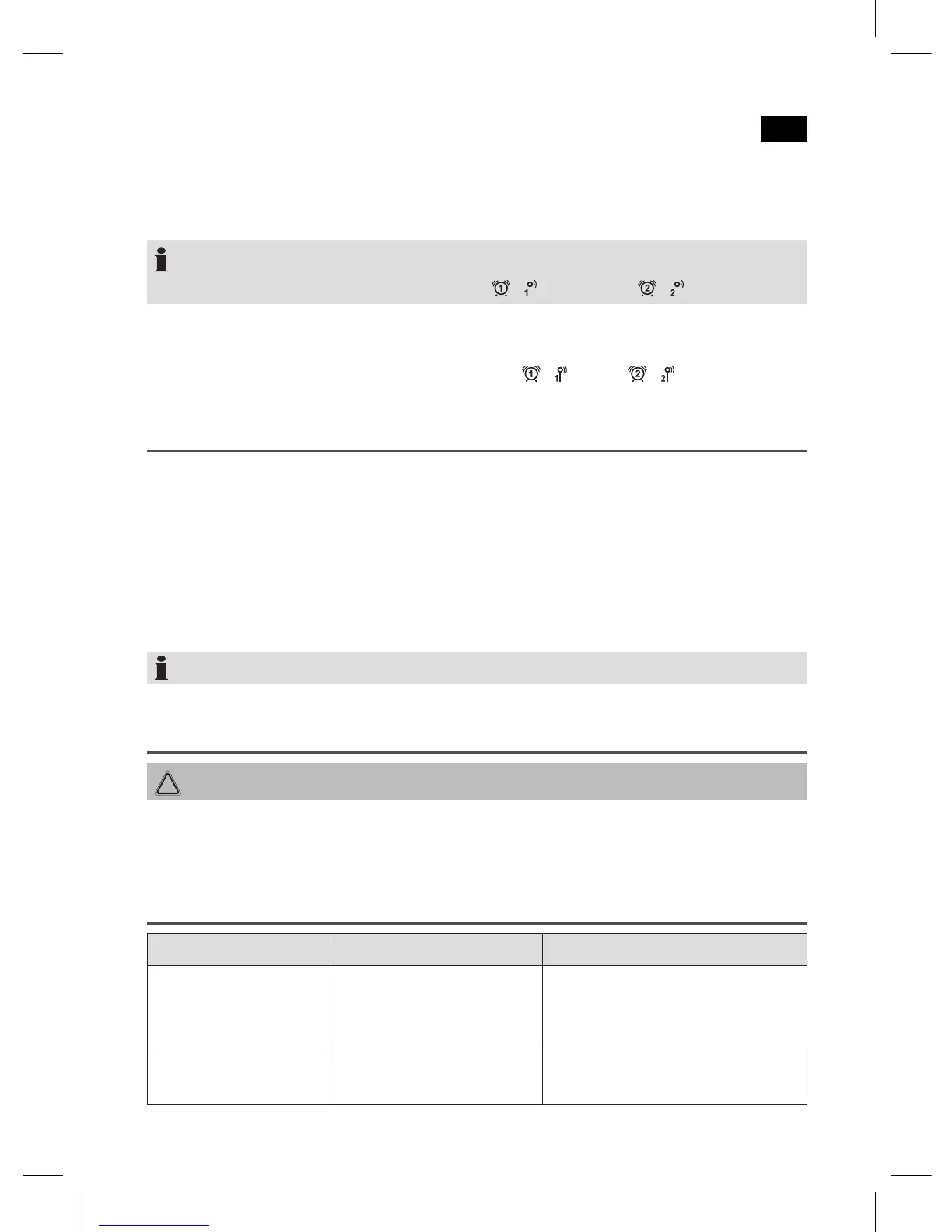
The automatically set alarm function can be shut off for approximately 9 minutes with
the SNOOZE / SLEEP button.
NOTE:
If the function is activated, the dot next to “
/ “ and/or at „ / “ will flash.
Deactivate the Alarm Function (in standby mode)
Press AL1 / VOL− or AL2 / VOL+ until the dot at “
/ “ or at “ / “ goes out.
AUX-IN jack
For connecting to external players, e.g. MP3 player, smartphone, tablet PC etc.
1. Connect the external device to the AUX-IN jack with a 3.5 mm stereo jack.
2. Press the FM / AM / AUX repeatedly until “AU” is shown on the display.
3. You will hear the sound playback from the external device through the loud
-
speaker. Use the AL1 / VOL – / AL2 / VOL + buttons to adjust the volume. The
control buttons are not available.
4. For further information, please refer to the manual for the external audio source.
NOTE: Adjust the volume of the external device to an audible level.
Cleaning
CAUTION: Do not immerse the device in water.
• Disconnect the mains plug before cleaning.
• Clean the device with a soft damp cloth without detergents.
Troubleshooting
Problem Cause Solution
The unit cannot be
operated.
The unit is blocked and
“hangs”.
Disconnect the power supply
for 5 seconds. Then switch the
device on again.
Alarm function does
not sound.
Volume set too low. Increase the volume.


 To Next Page