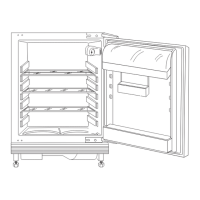
1. Unpack the air filter from the plastic bag.
2. Open the plastic housing and put the
pleated surface on the grid, fitting the
filter inside the marked area on the
gridded surface.
3. Hold the filter down while closing the
plastic housing until you hear a click.
4. Remove the top glass shelf from the
fridge compartment. Slip the plastic
housing with the air filter on the left side
of the glass shelf.
5. Insert the glass shelf back in the fridge
compartment. Be careful not to hit the
filter when inserting the glass shelf.
Replacing the air filter
1. Open the plastic housing.
ENGLISH 21



 To Next Page