SETUP MENU
14
Others
•
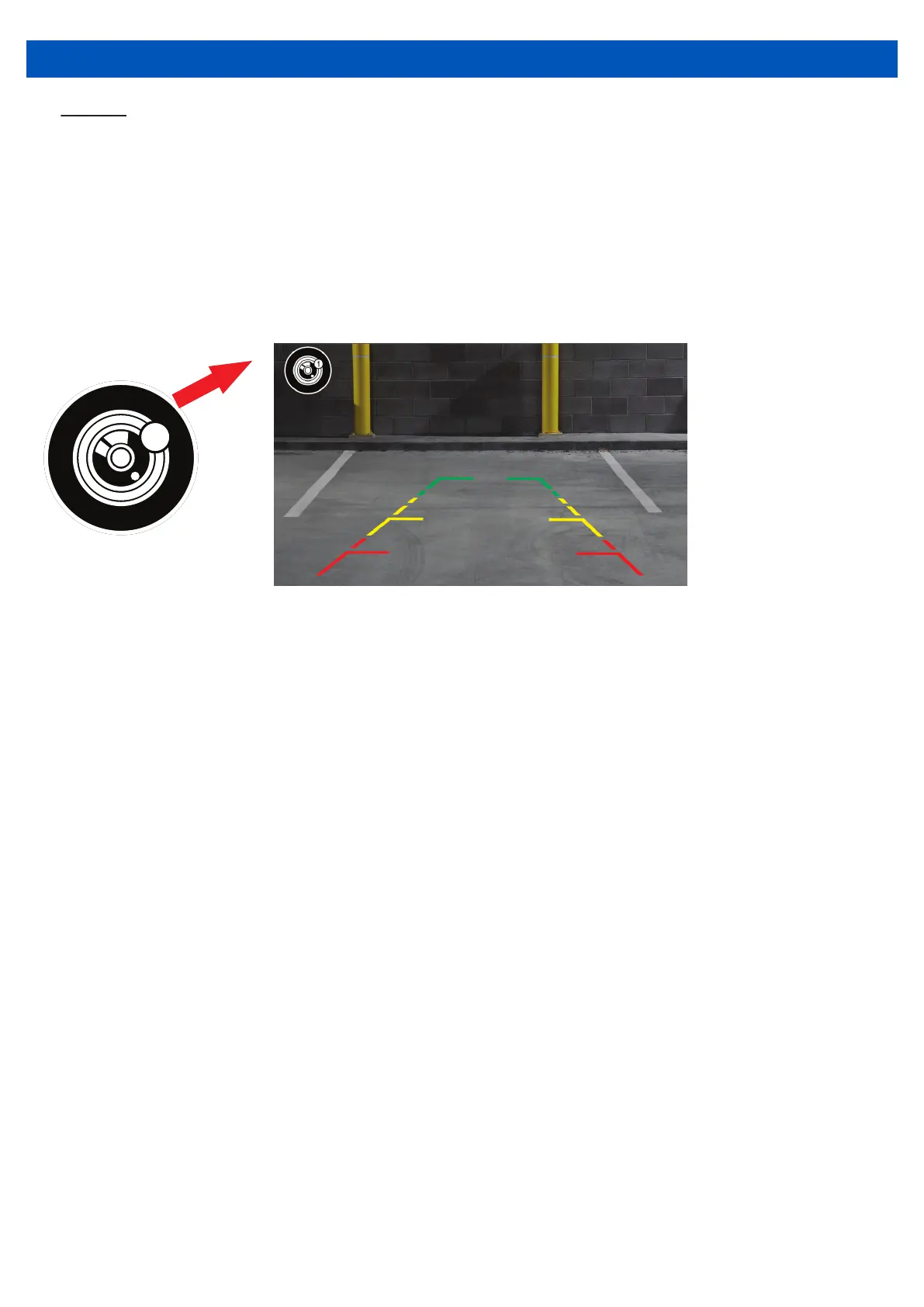
When the vehicle is put into reverse, you can tap the screen to display the camera
switching icon. Tapping on this icon will switch the view to the second camera.
NOTE: The reverse trigger wire must be connected in order to display the reverse
camera when the vehicle is in reverse.
The second camera must be connected in order to use the camera switching
function (refer to page 20).
1


 To Next Page