10
Interface Functions
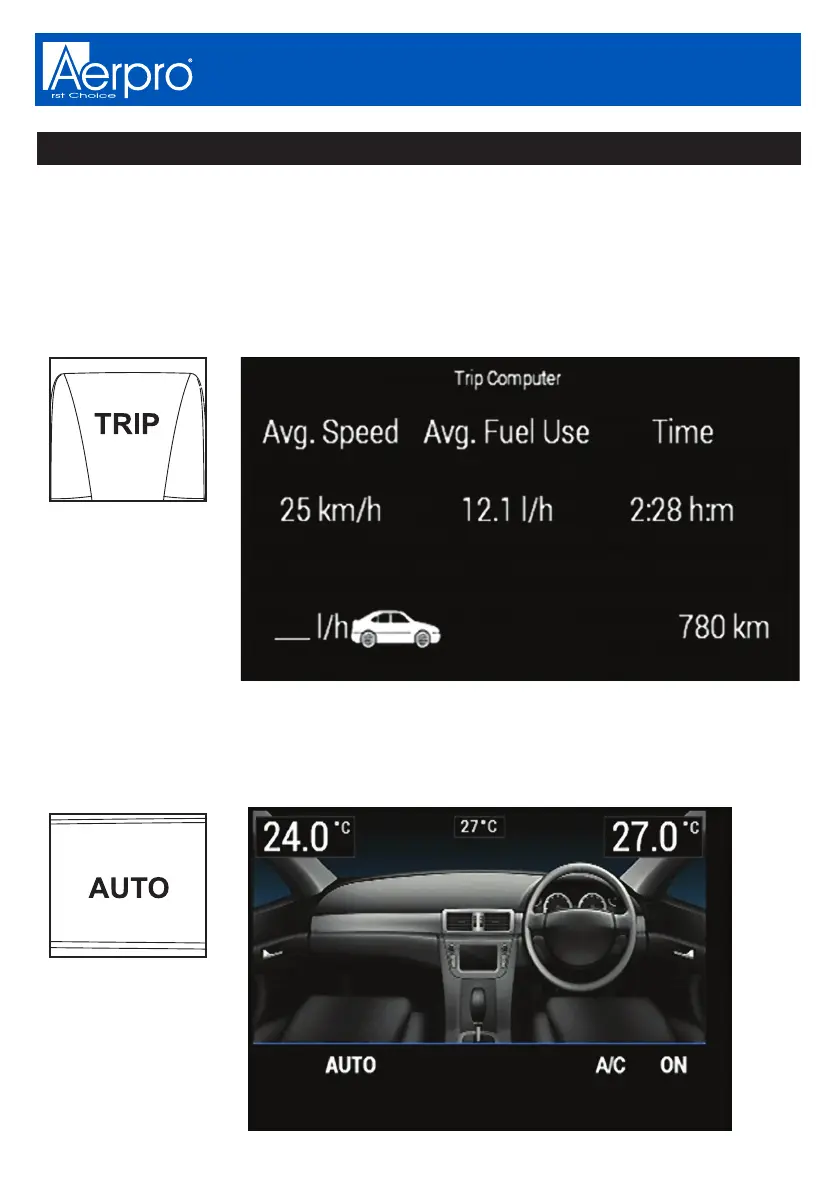
Trip Computer
This displays information relating to Average speed, Average fuel use, Trip time
and remaining fuel in kilometres. Press and hold the trip computer button to reset
the average speed on dual zone models. Beep sound will confirm reset.
NOTE: Trip button only works when not in the climate control display or
settings menu
Auto Function
Press to automatically control the climate control to a specified temperature.
NOTE: This will only work on Dual Zone models


 To Next Page