1 Introduction
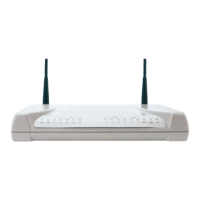
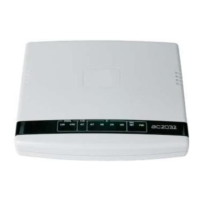
Welcome to the high speed world. With Stargate/-S you can connect your local network
(LAN) to remote networks (WAN) and navigate on Internet over a dedicated high-speed
data channel obtaining very good performances.
T
HE GENERIC NOTATION XDSL USED IN THIS GUIDE IS FOR
ADSL
IN REFERENCE TO THE ROUTER STARGATE;
⇒
⇒
⇒
⇒
⇒
⇒
⇒
⇒
⇒
⇒
SHDSL
IN REFERENCE TO THE ROUTER STARGATE-S.
Detailed configurations are illustrated in the “ATOS – User’s Guide” contained in the
installation CD supplied with the device.
READ THIS DOCUMENT CAREFULLY BEFORE USE TO AVOID INCORRECT
INSTALLATION.
1.1 Users
This Guide is addressed to users and network administrators, hardware and software
technicians of Ethernet local networks or individual PC stations.
1.2 Contents
1 Introduction
2 Installation: it describes the package contents and provides information on
interface connections
3 Description : it describes technical characteristics, front and back panel.
4 Operating connections: it describes connections for LAN, WAN and console
command transmission.
5 Configuration: it describes minimum configuration for quick network access.
6 StarManager: it describes the quick installation application functions.
APPENDIX “A” – Stargate features: it describes Stargate technical specifications
APPENDIX “B” – Stargate-S features: it describes Stargate-S technical
specifications.
Pag .7



 To Next Page