FILE VER LAST ISSUE LANG. PAGE
GCM02-M-USO-INGLESE.doc SDG/02 18/11/2005 ENG Page 6 of 12
Description of the components.
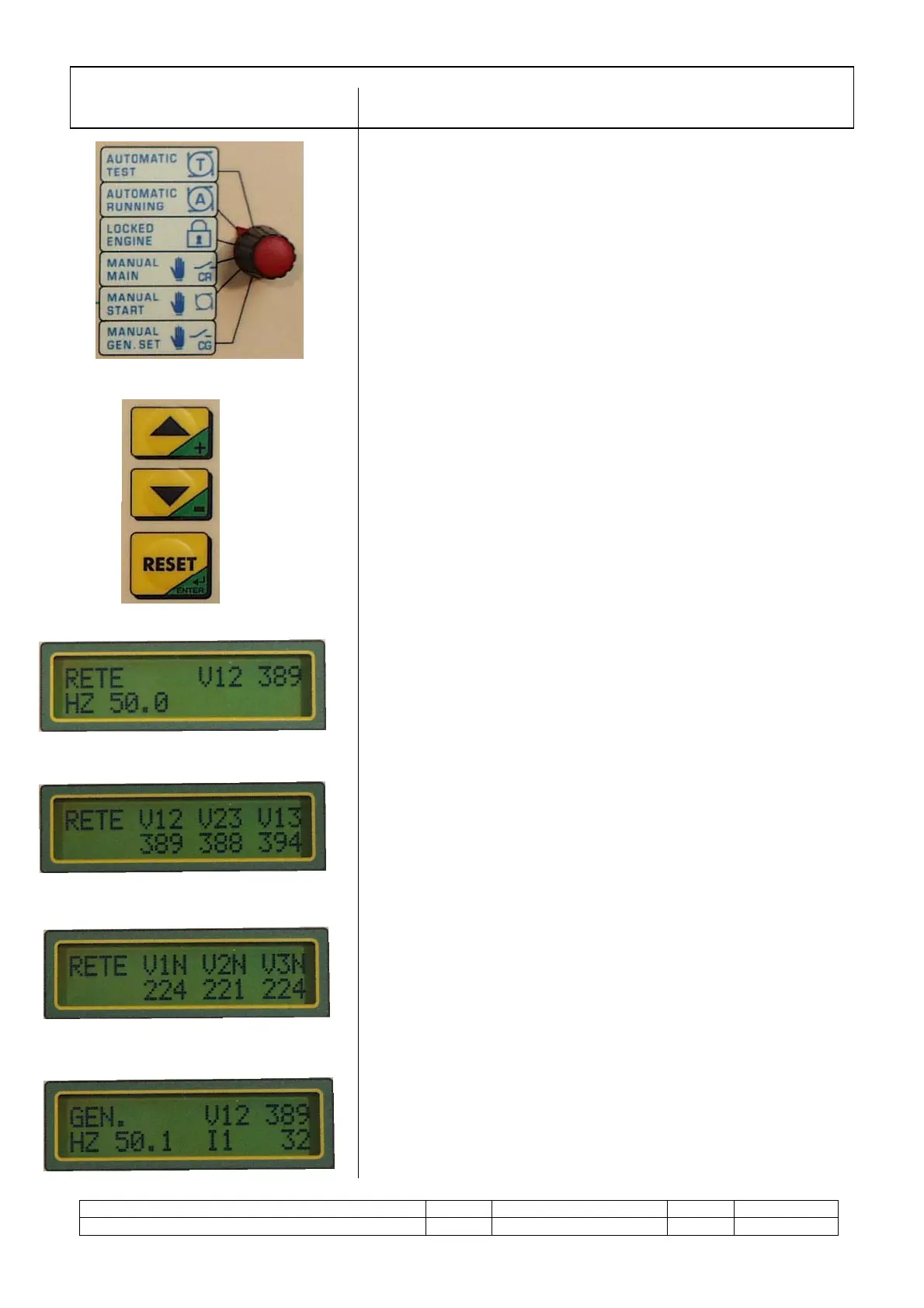
Programming switch.
Type of operational mode selection
1. Automatic test (T)
2. Standard automatic running (A)
3. Locked status – electronics disabled, used for
maintenance.
4. Utility power supply forced from mains (CR).
5. Enable start push button to start in manual mode.
6. Utility power supply forced from generator (CG).
Display reading selection push buttons.
These are used to select the reading page required and to
program the weekly timer.
Reset/Enter push button: resetting of the functions and
elimination of alarm status , confirms parameters entered in
the programming phase. An impulse cut out the acoustic
alarm, 2 impulses to reset.
DESCRIPTION OF MEASUREMENT PAGES
When the mains power is connected these values are
automatically displayed .They shows the mains voltage and
frequency.
The three voltages values (one per phase) between one
phase and another are displayed for a detailed control of the
mains.
and the three star voltages between phase and neutral
When the generator starts running, the display will
automatically show the measurements such as frequency,
voltage and current on phase 1, relative to the generator.
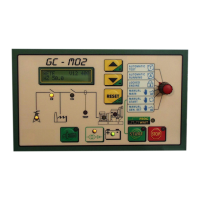
1.4 FUNCTIONAL DESCRIPTION OF THE GC MO2 CONTROL PANEL
COMPONENTS
1
2
3
4
5


 To Next Page
 Loading...