EasyManua.ls Logo

AEZ GCM02 - User Manual

AEZ GCM02
57 pages
Print Icon
To Next Page IconTo Next Page
Loading...
,
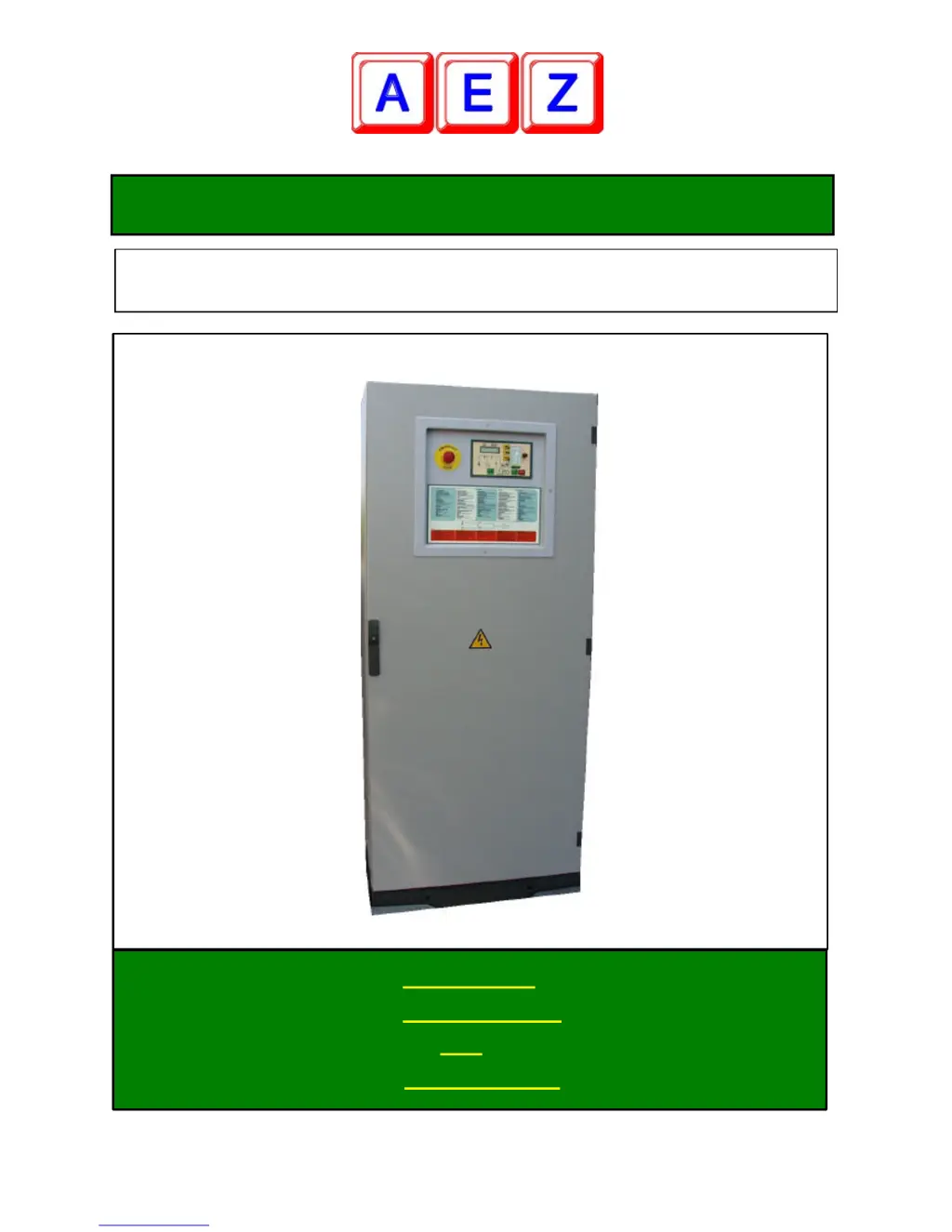
GCM02 Rel 6.0
AUTOMATIC MICROPROCESSOR CONTROL PANEL FOR STAND-
BY GENERATOR
MANUAL OF:
INSTALLATION
§ USE
MAINTENANCE

Table of Contents

Questions and Answers

  • J
    jmorseAug 3, 2025
    What to do if the AEZ GCM02 Control Panel battery is flat?
    • A
      Alexander BartlettAug 3, 2025
      If the AEZ Control Panel battery is flat, it could be due to a faulty 6A fuse in the battery charger or the battery charger itself. Try replacing the 6A fuse first. If that doesn't solve the problem, replace the battery charger.
  • S
    Stephen GutierrezAug 8, 2025
    What to do if the 25A battery fuse is blown in AEZ GCM02?
    • C
      Christopher NormanAug 9, 2025
      If the 25A battery fuse is blown, replace it with a new one.
  • H
    Heather MillerAug 14, 2025
    What to do if there is no connection with the oil pressure switch in AEZ Control Panel?
    • W
      wwellsAug 14, 2025
      If there is no connection with the oil pressure switch, connect it and check the connection to earth of the pressure switch.
  • I
    iburtonAug 20, 2025
    What to do if the AEZ Control Panel battery has inverted polarity?
    • M
      Michael GravesAug 20, 2025
      If the AEZ Control Panel battery has inverted polarity, check and invert the cables.
  • M
    morenosheilaAug 27, 2025
    What to do if there are loose or oxidised battery connections in AEZ GCM02 Control Panel?
    • C
      Chad MathewsAug 27, 2025
      If you have loose or oxidised battery connections, clean, tighten, and lubricate the battery terminals.

Summary

User Manual

Introduction

Welcomes user, highlights GC-M02 performance and applications.

Purpose

Outlines manual's objective: unit operation, basic checks, and interpreting indications.

Operational Principle

Explains stand-by generator unit operation with the GC-M02 control panel.

View of the GC-M02 Unit

Visual overview and functional description of GC-M02 control panel components.

Functional Description of the Control Panel Component

Details control panel components, their functions, switches, and readouts.

Commands and Operational Modes

Describes the six operational modes selectable via the programming switch.

Programming

Explains weekly timer re-programming after power loss.

Various Controls

Details controls like LED TEST, ALARM SILENCING, and FUNCTIONS RESET.

Special Functions

Introduces functions like automatic testing, cut-out, and remote control.

Simple Maintenance Work

Outlines basic electrical/mechanical maintenance and periodic checks.

Technical Manual

Constructional Description of the Control Panel

Describes the control panel's physical construction and compliance standards.

Operation

Explains GC-M02 panel operation and lists available readings.

Detailed Description of How the Control Unit Works

Details control unit operation with the programming switch, covering TEST and AUTOMATIC MODE.

Manually Controlled Functions

Describes manual modes as emergency backup, including forced power and manual stop.

Various Functions and Utilities

Covers power supply circuits, command relays, motor start reading, and pre-heating.

Motor and Alarm Parameter Reading

Explains reading motor parameters: fuel level, temperature, and oil pressure.

AEZ GCM02 Specifications

General IconGeneral
BrandAEZ
ModelGCM02
CategoryControl Panel
LanguageEnglish

Related product manuals