FILE VER LAST ISSUE LANG. PAGE
GCM02-MT-ING4 NEW.doc c/02 04/03/2003 ENG Page 12 of 57
2. Anomaly due to low oil pressure, high motor temperature, low water or oil level, fuel reserve. Check the relative levels (water, oil,
fuel) and top-up if necessary then reset;
3. Anomaly of the battery dynamo. In this case request technical assistance;
4. Alarm due to local or remote emergency stop status. Set the programming switch on LOCKED mode and turn and pull the
emergency push button enabled then reset;
5. Alarm due to failed starting. Try starting with manual control and inform the supplier;
6. The generator overload protection switch has tripped. It is to be reset manually by a qualified engineer (see simple maintenance
jobs section).
1.6 PROGRAMMING
If the electronic module should be disconnected from the power supply, the established weekly timer programming is deleted,
consequently all the functions foreseen for the internal timer would fail to work at the time and on the day programmed therefore the
weekly timer is to be re-programmed.
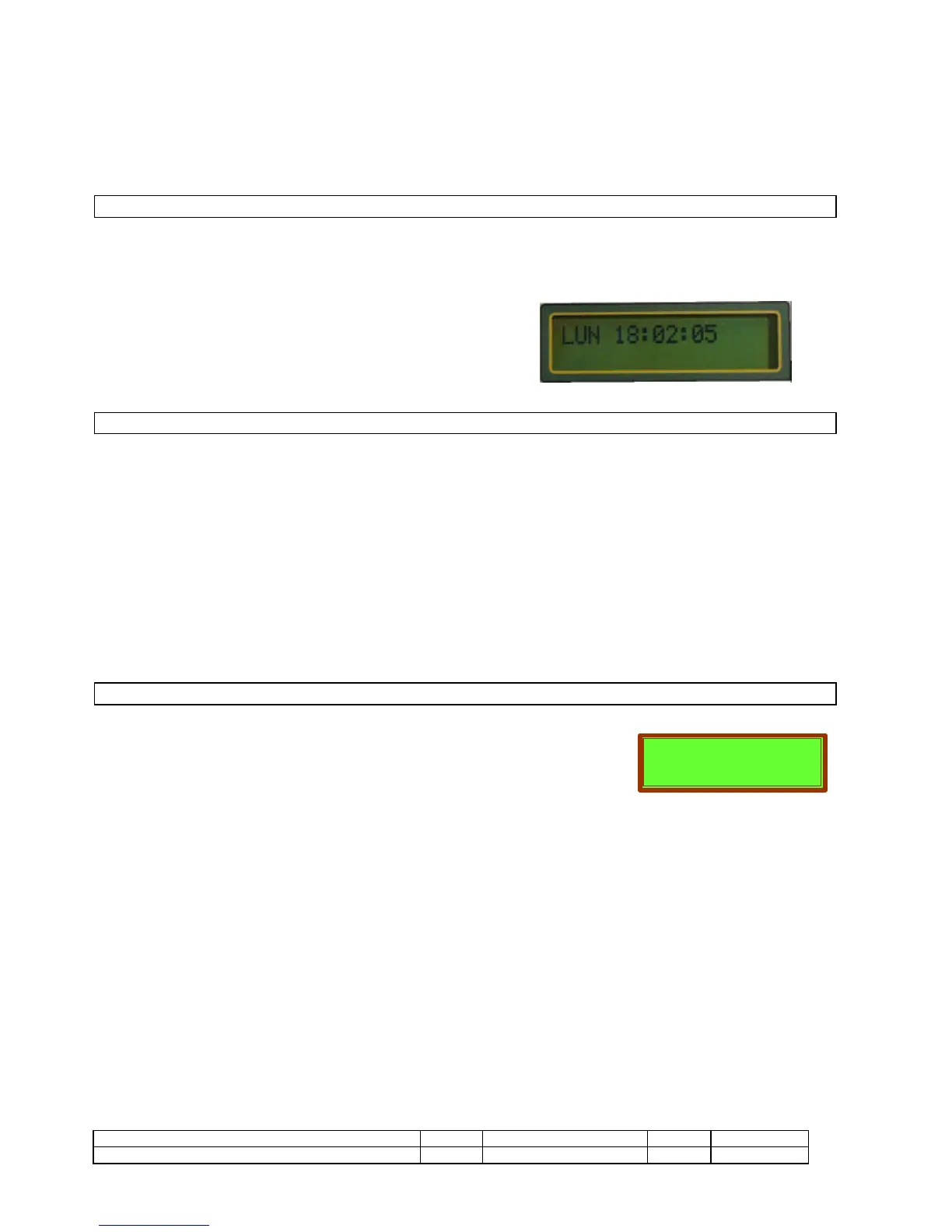
Access the page below to re-program it.
Press ENTER, the day flashes. Using the +/- keys modify the day and press
ENTER to confirm. The time flashes. Using the +/- keys modify the time and
confirm with ENTER. The same goes for the minutes and seconds.
You cannot change page until programming is complete.
1.7. VARIOUS CONTROLS
LED TEST
Hold the + /- push buttons down together for 2 seconds. All the LEDs barring the start, stop and battery charger LED will light up.
ALARM SILENCING
With the state of alarm the red led of alarm on the motor flashes and the sonorous is active alarm. Pressing once the SILENT button the
acoustic alarm is interrupted, the red led on the motor remains turned on to fixed light
FUNCTIONS RESET
Pressing the RESET button two times the conditions of alarm are annulled, all the functions are restored and the red led on the motor is
turned off.
PROTECTION DIFFERENTIAL TEST (if active)
To activate the TEST LED and with the turned on led to press RESET, the TRIP has to intervene with the detached load.
1.8. SPECIAL FUNCTIONS
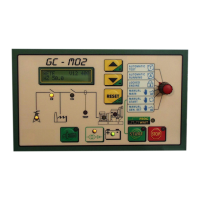
The GCM02 is set up for special operating functions, such as: automatic testing or cut-out, routine
maintenance, remote control, etc.
When these are active, a page comes up on the display when they are activated, indicating which
function is active.
There are functions that affect how the unit operates and that require direct intervention to allow the unit to be used:
GE CUT-OUT
The cut-out function is mainly used when the unit is run in a built-up area, and emergency standby is not required outside of working
hours. During the cut-out hours, if the mains power supply fails the unit does not react, and should it be necessary to start up the unit
during this time, this can only be done manually.
SERVICE REQUEST
This does not change the operating status, but raises an acoustic alarm to mark the set time, and a message reading SERVICE appears
on the display ALARM MAINTENACE 1 or ALARM MAINTENANCE 2, pressing RESET the function is restored.
REMOTE CONTROL
The unit can run under remote control by using remote communication (PC or modem or GSM), and this can be activated automatically.


 To Next Page