FILE VER LAST ISSUE LANG. PAGE
GCM02-MT-ING4 NEW.doc c/02 04/03/2003 ENG Page 30 of 57
2.9. FUNCTIONS OF BUILT - IN WEEKLY CLOCK
2.9.1. WEEKLY CLOCK
The M02 generator contactor has a built-in weekly clock that allows the input to be programmed to suit the unit, or the cut-out to be
programmed to prevent the unit from starting even during a power failure.
Where the electronic module loses its mains power supply, the settings for the weekly clock are cancelled, which means that all
the functions that depend on the built-in clock will not work on the day and time set, and so the clock must be reset.
When a function such as automatic test, automatic stop or automatic start is active, should the battery be disconnected, the display will
read:
OPERATION
CLOCK TO BE SET
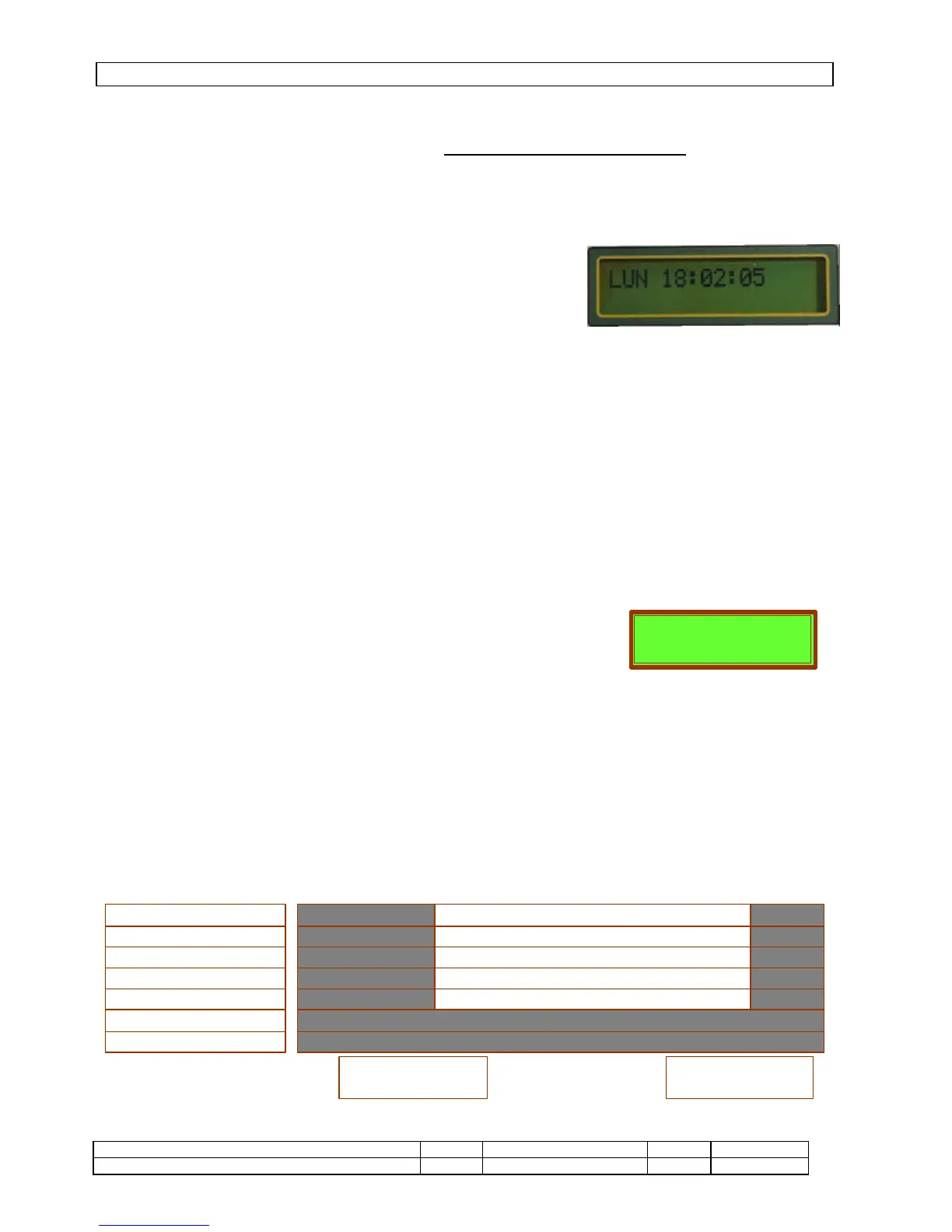
To set is go to the next page.
Press ENTER – the day will flash – use the +/- keys to change the day, press
ENTER to confirm. The hour will begin to flash, use +/- to change, confirm using
ENTER, and repeat the procedure for the minutes and seconds.
The page cannot be changed until setting the clock has been completed.
2.9.2. CLOCK FOR AUTOMATIC TESTING
This allows the unit’s operation to be tested automatically. It can be set weekly or every two weeks.
While the test is in progress the operation display reads “Automatic Test”. Should the power fail during such a test, the unit immediately
switches over to the generator supply, and back again when the mains power supply is restored, once the test time set, has expired.
SETTING under Misc. Settings
AUTOMATIC TEST
EXCLUDED / ACTIVE
Where active, the following are set – test every 1 or 2 weeks, at time 00:00; duration 00 minutes.
2.9.3. AUTOMATIC STOPPING OR STARTING
It is possible to activate the unit’s automatic cut-out so that it does not intervene automatically as a result of a power failure as well.
While in “Cut-out” mode the operation page on the display reads “GENERATOR CUT-OUT”.
In this mode the unit can only be controlled manually.
PROGRAMMING in Various Settings
To select BLOCK > enter
To select the day Monday > enter
To select the kind of function 0 = excluded
Total block
Partial block
Forced start
Partial block + forced start
Activate or deactivate this function and enter the cut-out time CUT-OUT ON/OFF 00:00
If ON is active, select the days of the week (MTWTFSS) and the time the cut-out is to end - OFF 00:00
When the unit is working without the mains power supply, the cut-out function determines the times at which the generator is stopped.
Outside of these hours the unit is placed in automatic mode.
Example: it needs to program that a gen-set works every working days from 7 to 21 and the remaining hours it has to be
stopped


 To Next Page