FILE VER LAST ISSUE LANG. PAGE
GCM02-MT-ING4 NEW.doc c/02 04/03/2003 ENG Page 36 of 57
2.12 PROGRAMMING
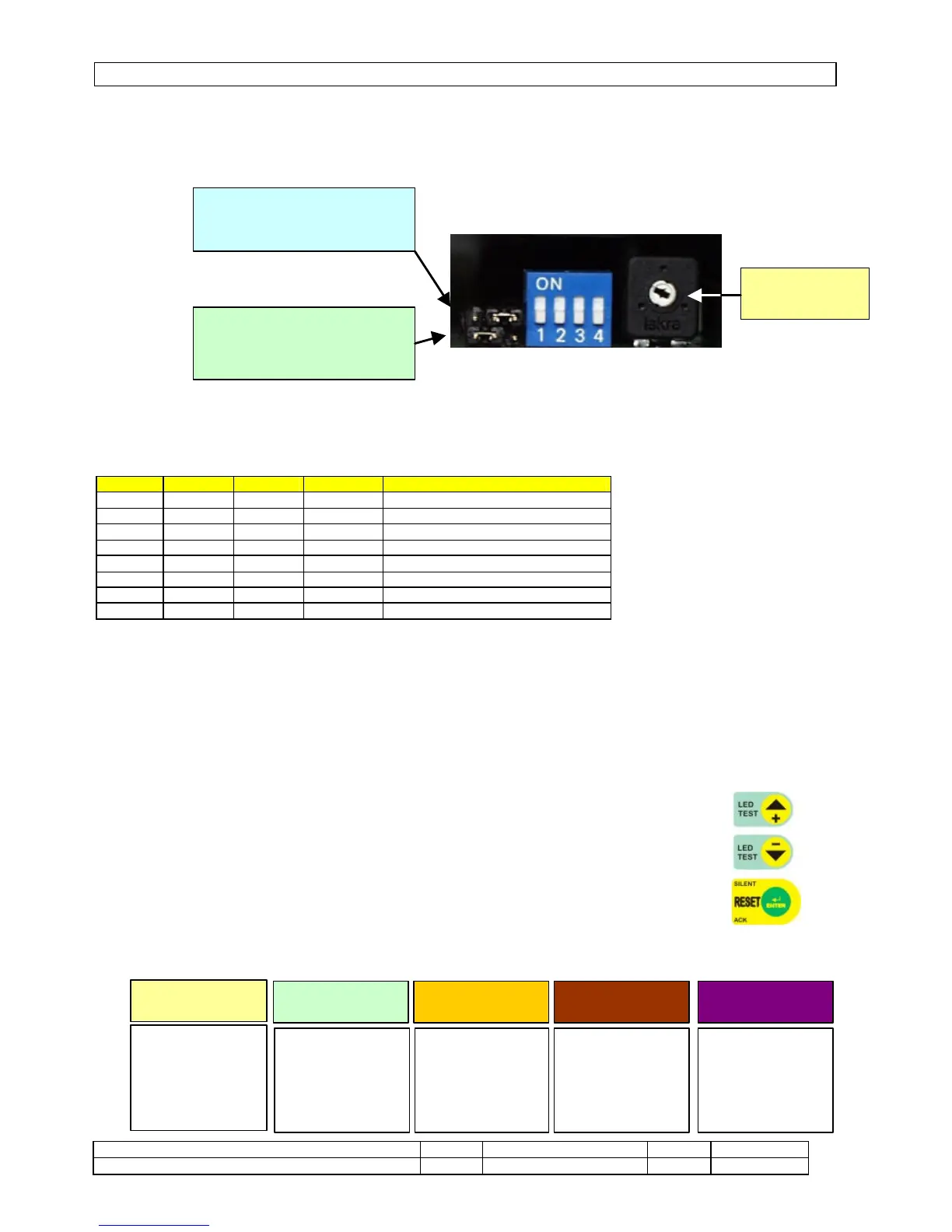
The MO2 module has Jumpers and Switches that provide various functions:
• J2 in the ON position – overrides the unit’s contactor command to the programming commutator in the MANUAL
GENSET position. When it is in the OFF position, the generator contactor unit is in automatic mode.
• J1 in the ON position – permanently enables the STOP button. When it is in the OFF position, it is only active in
MANUAL START.
• A trimmer is provided to vary the brightness of the display.
SW PROGRAMMING SWITCH
Six languages can be selected and programming can be activated, using four switches.
SW1 SW2 SW3 SW4 DESCRIPTION
OFF OFF OFF ITALIAN
ON OFF OFF ENGLISH
OFF ON OFF SPANISH
ON ON OFF FRENCH
OFF OFF ON PORTUGUESE
ON OFF ON GERMAN
OFF PROGRAMMING EXCLUDED
ON PROGRAMMING ACTIVE
2.12.1 SETTINGS
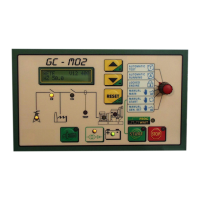
To gain access to the function programming page, turn switch no. 4 of the SW1 switch ON, situated at the side of the M02 unit.
All the parameters indicated on the display can be modified, both the value indicated (i.e. 380V can be changed to 395 or 378 or any
other value) and the ZERO of the same parameter.
Once access has been gained to the programming function the messages that appear on the display will guide you through the
possibilities offered by the program that is in continuous development, surely you will find on the module more options of programming
in comparison to those brought on the manual.
All conditions can be worked on, even while the unit is running.
To gain access to the programming function, after having set the switch ON, use the +/- push buttons to select the
block required.
To help you find the block the fields that may be programmed have been split up into four blocks:
1. Parameters;
2. time settings;
3. thresholds;
4. various settings.
5. remote control
Once the block concerned has been selected, press ENTER to display all the fields that may be modified. Use the
+/- push buttons to find the field to be modified and once found, press ENTER again and using the +/- keys modify the value and confirm
with ENTER.


 To Next Page