EasyManua.ls Logo

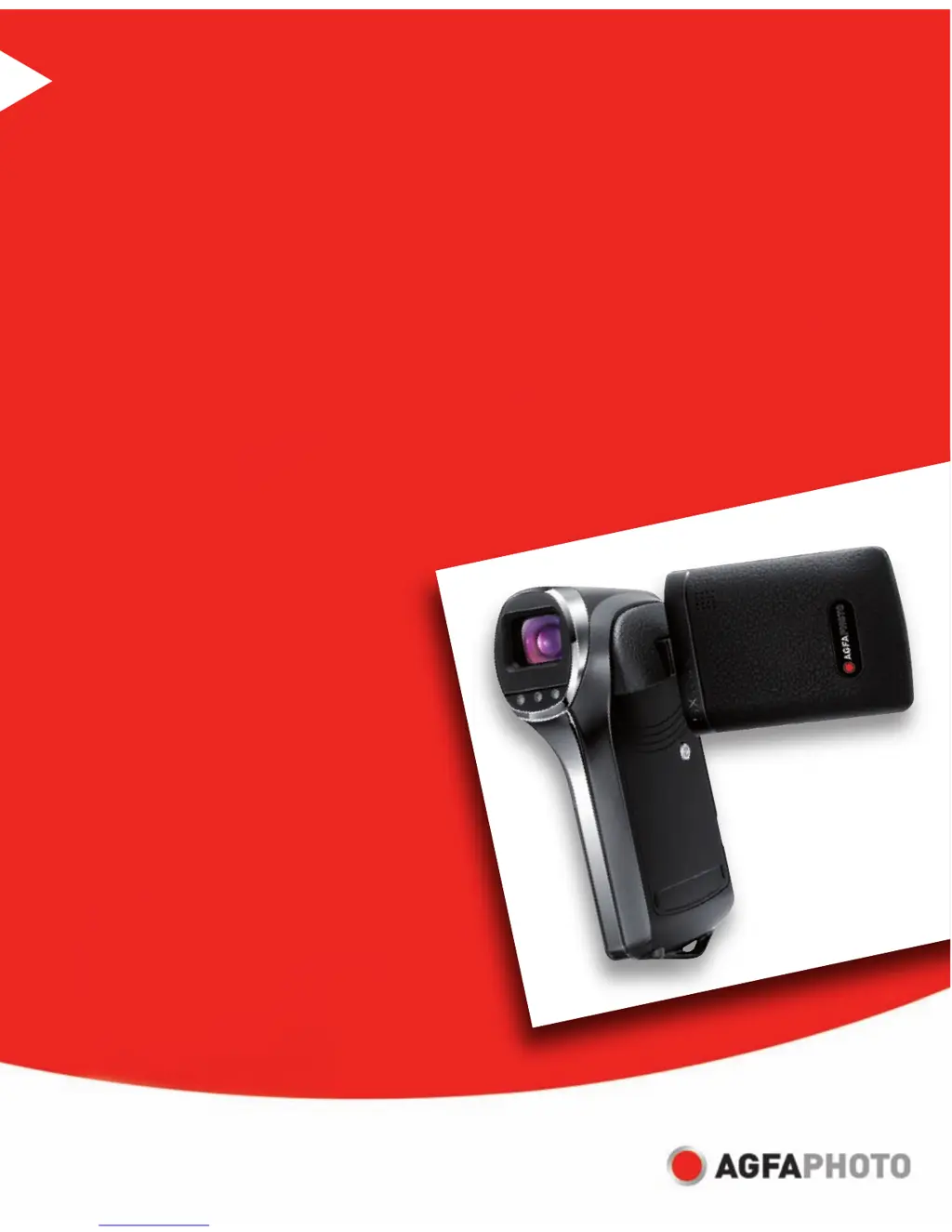
AgfaPhoto DV-5580Z - User Manual

AgfaPhoto DV-5580Z
44 pages
Print Icon
To Next Page IconTo Next Page
Loading...
DV-5580Z
User manual

Other manuals for AgfaPhoto DV-5580Z

Questions and Answers

  • T
    Taylor WilsonAug 10, 2025
    What to do if I cannot download images from AgfaPhoto Camcorder?
    • R
      Ronald WebsterAug 10, 2025
      If you cannot download images from your AgfaPhoto Camcorder, the free space on the hard disk in your computer may be insufficient. Check whether the hard disk has space for running Windows, and if the drive for loading image files has capacity at least of the memory card inserted in the video camera.
  • J
    Jessica TaylorAug 17, 2025
    How to fix AgfaPhoto DV-5580Z if the power does not come on?
    • D
      Denise EdwardsAug 17, 2025
      If your AgfaPhoto Camcorder does not turn on, it might be due to the battery. First, ensure that the battery is correctly inserted. If it is, the battery may be exhausted and needs to be recharged.
  • Y
    ycollinsAug 26, 2025
    What to do if AgfaPhoto Camcorder does not shoot video?
    • M
      Michael GarciaAug 26, 2025
      If your AgfaPhoto Camcorder isn't recording videos when you press the shutter button, there are a few potential reasons. First, make sure your camcorder is set to shooting mode. Also, check your SD/SDHC memory card to see if it's full. If it is, insert a new card or delete unwanted files. Finally, verify that the SD/SDHC memory card is not write-protected, and remove the write-protection if it is.
  • R
    richardsonjamesSep 1, 2025
    Why AgfaPhoto DV-5580Z cannot focus?
    • K
      Keith KerrSep 1, 2025
      If your AgfaPhoto Camcorder cannot focus, the lens may be dirty. Wipe it clean with a soft, dry cloth or lens paper. Alternatively, the subject may be too close; ensure the subject is within the effective focus range.

Summary

FCC Statement Compliance

Important Preliminary Information

Safety Instructions and Warnings

General Warnings

Provides critical warnings for safe operation, handling, and preventing damage.

Safety Cautions

Notes on Battery Usage

Getting to Know Your Camera

Rear View Controls

LCD Monitor Display Information

Getting Started with Your Camera

Preparation Steps

Steps for attaching the strap, inserting the battery, and inserting a memory card.

Charging the Battery

Turning the Power On and Off

Handling the Digital Video Camera

Setting the Date and Time

Formatting the Memory Card

Capture Mode Operations

Recording Video Clips

Instructions for recording video clips, including starting and stopping.

Capturing Still Images

Instructions for capturing still images using the camera.

Using the Zoom Function

Face Detection Technology

Setting Manual White Balance

Audio Mode Operations

Playback Mode Operations

Playback on TV

Connecting to HDTV

Protecting Files from Deletion

DPOF Settings for Printing

Deleting Files

Menu Options Overview

Video Menu Settings

Configuration options for video recording, including scene, self-timer, and quality.

Capture Menu Settings

Playback Menu Options

Setup Menu Configuration

Installing Software Program

Transferring Files to Computer

Using Camera as a PC Camera

Technical Specifications

Troubleshooting Common Issues

Customer Care and Support

AgfaPhoto DV-5580Z Specifications

General IconGeneral
Optical Sensor Resolution5 MP
Digital Zoom8x
Sensor TypeCMOS
Sensor Resolution5 MP
Zoom8x digital
StorageSD/SDHC card
BatteryLi-Ion battery
ConnectivityUSB 2.0

Related product manuals