EasyManua.ls Logo

AGL GradeLight 2700 - User Manual

AGL GradeLight 2700
28 pages
Print Icon
To Next Page IconTo Next Page
Loading...
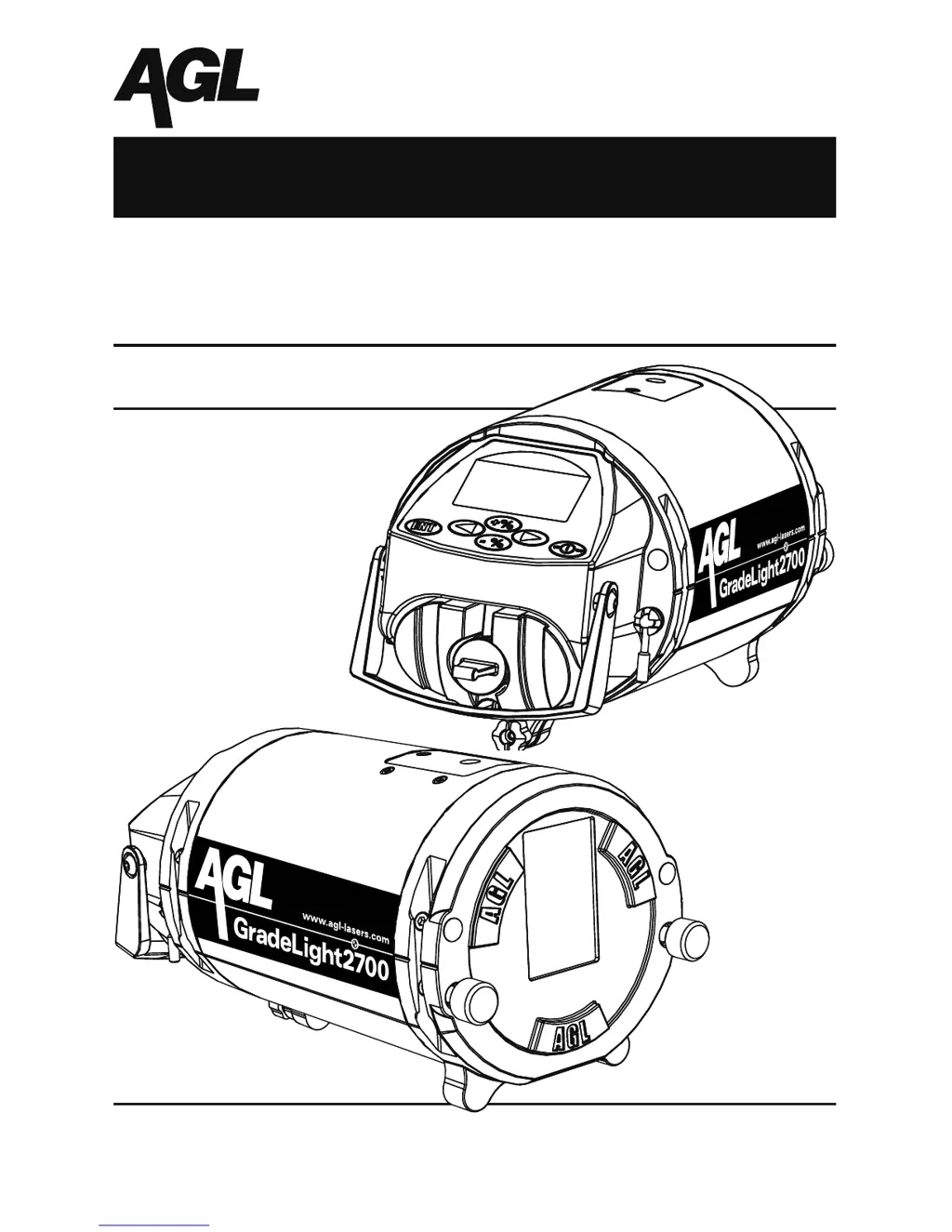
GradeLight 2700
Pipe Laser
Owners Manual
AGL Construction Lasers & Machine Control Systems
2202 Redmond Rd., Jacksonville, AR 72076
sales@agl-lasers.com www.agl-lasers.com
Toll Free: 800.643.9696 Phone: 501.982.4433 Fax: 501.982.0880

Questions and Answers

  • N
    Norma HaleAug 13, 2025
    What to do if AGL Lighting Equipment remote control is not working?
    • M
      meghanadamsAug 13, 2025
      If your AGL Lighting Equipment remote control isn't working, try these steps: If it is raining or foggy, use the remote at a closer range. Clean the reception window on the GradeLight with a soft cloth if it's dirty. At longer distances, make sure the remote is in direct line of sight with the laser, pointing it at the reception window and removing any obstacles. Also, check and replace the batteries.
  • D
    deannapetersonAug 16, 2025
    Why AGL GradeLight 2700 laser doesn't power-up?
    • M
      Mrs. Krystal PetersonAug 16, 2025
      If your AGL Lighting Equipment laser doesn’t power up, first check the battery. If that's not the issue, hold the ON button for at least 3 seconds, especially if you haven’t used the laser in a while.
  • G
    Glenda MorrisAug 20, 2025
    How to fix loss of distance in AGL Lighting Equipment?
    • M
      Mr. Jack GreeneAug 20, 2025
      If you're experiencing loss of distance with your AGL Lighting Equipment, check the window on the laser where the beam is emitted. If it's dirty, clean it.
  • E
    Evelyn RhodesAug 25, 2025
    What to do if AGL GradeLight 2700 has no beam and turns off automatically?
    • J
      James HollandAug 25, 2025
      If your AGL Lighting Equipment laser has no beam and an error turns the unit off automatically, try turning the laser on again and check the calibration. If the message appears again, contact an authorized service center.
  • O
    oliviaclarkAug 27, 2025
    How to fix cross axis not level on AGL Lighting Equipment?
    • A
      April LeeAug 28, 2025
      If the cross axis on your AGL Lighting Equipment is not level, rotate the laser slightly to the left or right until the bubble is between the lines on the electronic vial.
  • M
    Megan SmithAug 31, 2025
    How to stop dancing laser spot on AGL Lighting Equipment?
    • L
      linda04Aug 31, 2025
      If you see a dancing laser spot with your AGL Lighting Equipment, use a blower to reduce refraction and scintillation problems.
  • J
    James CarpenterSep 4, 2025
    What does the reminder mean on AGL GradeLight 2700 Lighting Equipment that laser has reached 2000 hrs. of use?
    • K
      kimberlycarrollSep 4, 2025
      If your AGL Lighting Equipment displays a reminder that the laser has reached 2000 hours of use, or the interval set by you, know that the laser can still be used. This is just a reminder to check the calibration regularly. To delete the message, see “Set Up Mode Menu Options.”
  • P
    Patrick CruzSep 8, 2025
    What to do if AGL GradeLight 2700 Lighting Equipment self-leveling range is exceeded?
    • J
      Jeffrey MeyersSep 8, 2025
      If the self-leveling range is exceeded on your AGL Lighting Equipment, change the position of the laser in the direction the arrows indicate. When it’s within the self-leveling range, the warning will disappear and self-leveling will begin.

Summary

Power Management

Charging and Battery Options

Instructions for charging the Li-ion battery and using alkaline batteries.

Operation Basics

Setting the Grade

Grade Entry Methods

Details on using digit select or rolling counter methods to enter desired grade, including auto reset.

Remote Control Operations

Remote Keypad Functions and Line Adjustment

Explains standby mode, reset to center, line adjustment, lock function, and LED indicator.

Alignment Methods

Manhole Transit Method

Detailed steps for aligning the laser beam using a transit in a manhole.

Special Transit and Rod Group Alignment

Procedure for aligning the laser using a special transit and rod group.

Additional Alignment Methods

Set-up Methods

Height Adjustable Legs Set-up

Using adjustable legs for setting up in manhole bases, pipes, or open cuts.

Manhole Base Set-up

Procedure for setting up the laser in a manhole base using various accessories.

Invert and Open Cut Set-ups

Specialized Set-up Accessories

Above Ground Set-up

Menu Options and Settings

Customizing Laser Settings

Troubleshooting Guide

Troubleshooting Common Issues

Identifies LCD indications, laser beam behavior, reasons, and remedies for common problems.

Checking and Calibration

Checking Level Accuracy

Procedure to check the laser's level accuracy using benchmarks and measurement marks.

Adjusting Level Accuracy (Calibration)

Accessing Calibration through the Set Up Menu

Steps to navigate the Set Up menu to access the calibration function.

Safety, Care, and Handling

AGL GradeLight 2700 Specifications

General IconGeneral
BrandAGL
ModelGradeLight 2700
CategoryLighting Equipment
LanguageEnglish