EasyManua.ls Logo

AGM A-19 - Page 14

AGM A-19
17 pages
Print Icon
To Next Page IconTo Next Page
To Previous Page IconTo Previous Page
Loading...
13
4.
The
side
effect
of
the
Monitor
Life-Extension
function
(why
not
preset
Advanced
Power
Saving
Mode
as
default?)
According
to
the
request
of
EP
A
(US
Environmental
Protection
Agency)
to
power
m
anagemen
t
o
f
m
onitors,
th
e
p
ower
consumption
o
f
t
he
monito
r
m
us
t
g
o
dow
n
t
o
belo
w
3
watts
withi
n
3
seconds
after
the
monito
r
s
goes
into
power
s
avin
g m
ode.
Bu
t
t
he
Life-Extension
function
decrease
s
t
he
electricity
s
upplie
d
t
o
the
backlights
of
LCD
monitor
gradually
.
Therefore,
the
Monito
r
L
ife-Extensio
n
f
unction
h
as
a
conflict
wit
h
t
he
requiremen
t
o
f
E
P
A
in
th
e
f
irst
7
m
inut
es
afte
r entering
sleeping
mode.
Even
though,comparing
the
advantage
s
o
f
b
ot
h
c
onditions,
we
stil
l
r
ecommend
yo
u
s
trongl
y
s
et
your
monito
r
to
A
dvance
d
P
ow
er
Saving
mode.
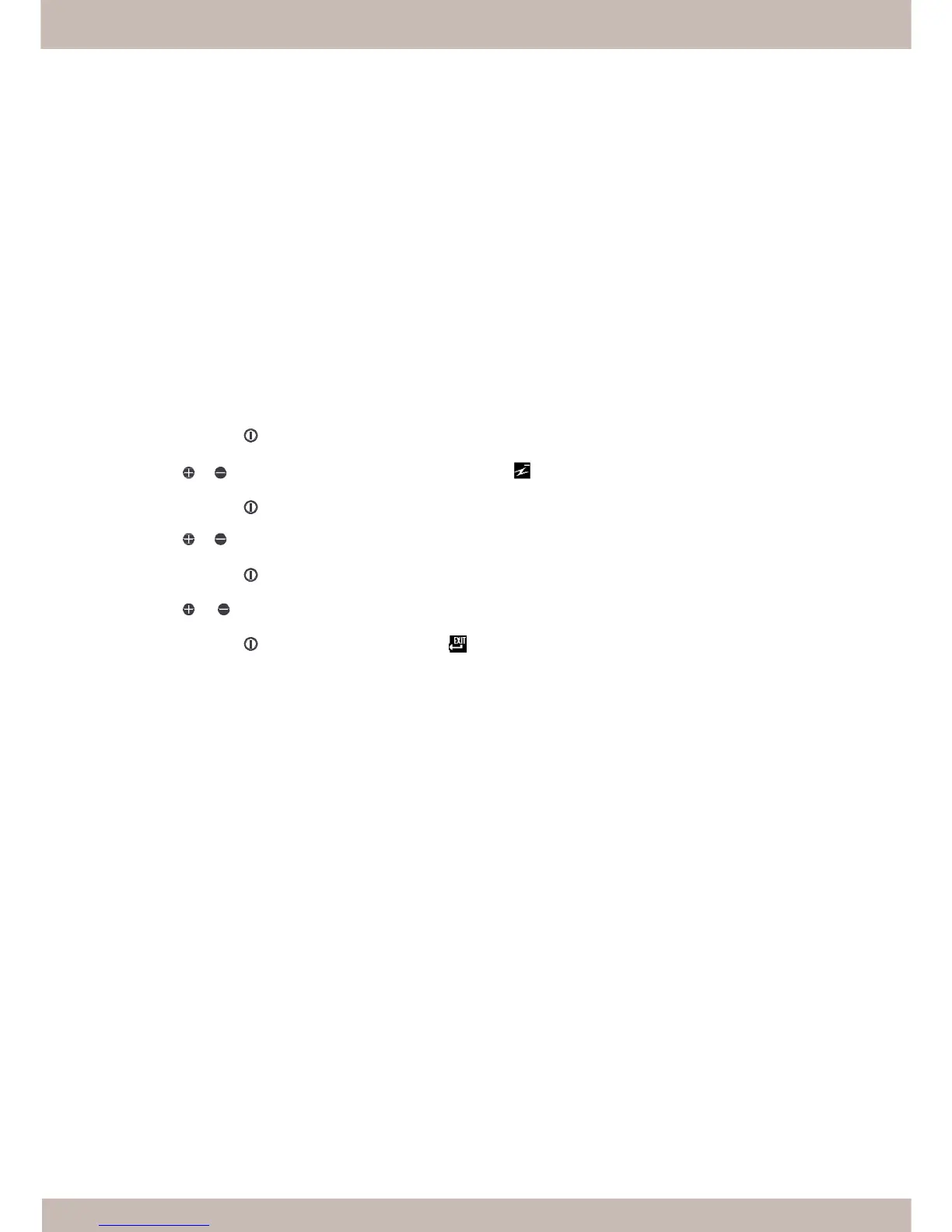
5.l How can you engage the Monitor Life-Extension function?
You may simply use the OSD control to activate the Monitor Life-Extension function.
1.
Press
the
Menu
button
to
activate
the
OSD
menu.
2.
Press
or
button
to
select
the
Power
Saving
Mode
icon
.
3.
Press
the
Menu
button
to
confirm
the
selection.
4.
Press
or
button
to
select
the
“Advanced”
optio
n
i
n
t
he
Power
S
avin
g
Mode
f
unction.
5.
Press
the
Menu
button
to
confirm
the
selection
.
6.
Press
or
button
to
select
the
Exit
icon..
7.
Press
the
Menu
button
to
exit
the
OSD
menu
.