EasyManua.ls Logo

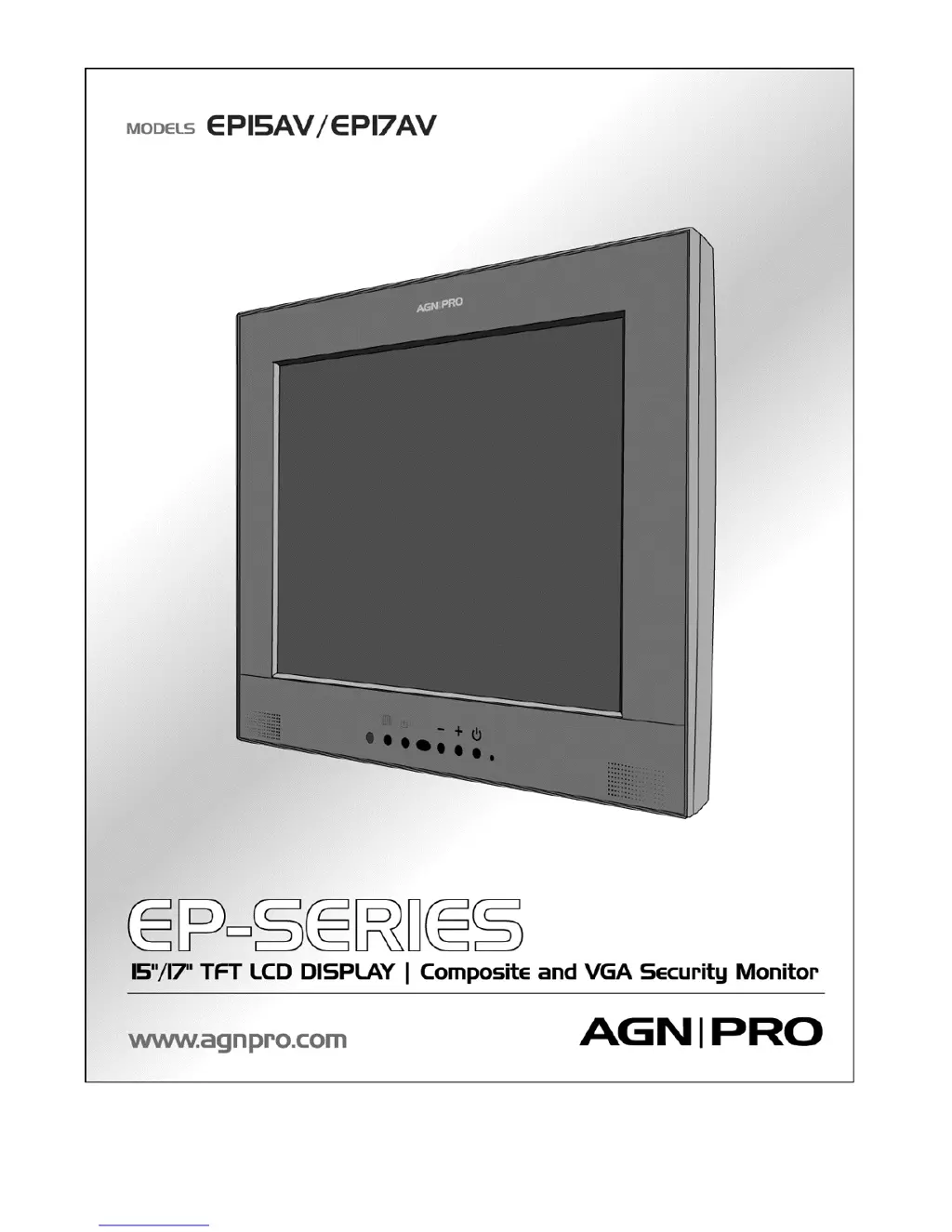
Agnpro EP-15AV - User Manual

Agnpro EP-15AV
17 pages
Print Icon
To Next Page IconTo Next Page
Loading...
EPUMREV4.7

Other manuals for Agnpro EP-15AV

Questions and Answers

  • J
    Jeffrey ChavezJul 30, 2025
    How to fix Agnpro EP-15AV Monitor when there is no picture and the power LED is off?
    • M
      Mrs. Miranda LarsonJul 30, 2025
      If your Agnpro Monitor shows no picture and the Power LED is off, ensure the power switch is turned on. Also, check that the power adapter and cord are properly connected to both the monitor and the power outlet. Verify the outlet is providing power by testing it with another device.
  • J
    James PowersAug 9, 2025
    What to do if the screen image on my Agnpro EP-15AV Monitor is not centered properly or some lines are missing?
    • A
      Adam CallahanAug 9, 2025
      If the screen image on your Agnpro Monitor is not centered properly or some lines are missing, try pressing the (AUTO) button to run the automatic adjustment. If the issue persists, fine-tune the image by adjusting the H. Position and V. Position settings.
  • R
    robin43Aug 19, 2025
    Why are the texts not solid on my Agnpro EP-15AV?
    • H
      Haley ShepherdAug 19, 2025
      If the texts on your Agnpro Monitor are not solid, try changing the resolution of the video signal to 1024 x 768 (EP15AV) or 1280 X 1024 (EP17AV) if it is not already set to these values. You can also press the (AUTO) button to run the automatic adjustment.

Summary

Introduction

Introduction

Congratulates on purchase, highlights quality display, power-saving, and low emissions.

Package Contents

Lists included items: Monitor, AC Power cord, VGA cable, Composite to BNC adaptor (Optional), User's manual.

Monitor Stand Options

Monitor Stand Options

Describes the two types of monitor stands: picture frame stand and standard desktop stand.

Care of Your Monitor

Installation

Instructions on proper placement, avoiding heat sources, and ventilation.

Power Connection

Guidelines for connecting the power cord and outlet, including disconnection conditions.

Maintenance

How to clean the monitor using a soft cloth and mild detergent.

Transportation

Use original packaging for repair or shipment to prevent damage.

Controls

Front Bezel Controls

Explains buttons 1-7: Power LED, Power switch, Increase/Decrease, OSD select, Auto tuning.

Connectivity Ports and Other Controls

Details rear/side controls (Light sensor, Headphone, Mic) and input ports (DC, VGA, Composite, S-Video).

Setup

Initial Setup

Steps to set up the monitor, including removing dust sheet and connecting to video sources (Composite/VGA).

Software Configuration

Recommends using native resolution, pressing AUTO for best performance, and notes plug-and-play compatibility.

Customizing Your Monitor

Adjusting Your LCD Panel

Explains using the OSD menu for fine-tuning and the benefits of the auto adjustment function.

Selecting OSD Features

Shows OSD menus for Video Adjust (Composite/S-Video) and Main Menu/Display Adjust (VGA Mode).

Hot Key Control

Describes hot key functions for VGA and VGA+Audio controls (Up/Down keys).

Troubleshooting

Troubleshooting Common Issues

Addresses common issues like 'No picture', 'Power LED is off', 'texts are not solid', 'Screen image not centered', 'Some lines are missing'.

Technical Features and Specifications

Specifications

Details electrical and physical characteristics like screen size, pixel format, frequency, weight, tilt angle, temperature, and humidity.

Preset and User Modes

Model EP15 AV Presets

Lists factory preset modes with resolution, H Freq (kHz), and V Freq (Hz) for the EP15AV model.

Model EP17 AV Presets

Lists factory preset modes with resolution, H Freq (kHz), and V Freq (Hz) for the EP17AV model.

Regulation

FCC Compliance

States compliance with FCC Rules Part 15 for Class B digital devices, including conditions and warnings.

Agnpro EP-15AV Specifications

General IconGeneral
Resolution1024 x 768
Aspect Ratio4:3
Brightness250 cd/m²
Screen Size15 inches
InputVGA