parameter setting interface.
And short press the button
( < 1s) for selecting parameter.
Then, just wait for the
parameter to stabilize and
confirm.
Long press button (>2s).
It will enter parameter setting
interface. As the display as
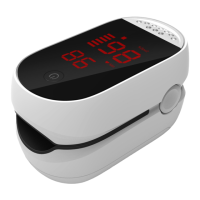
Pic.1: You can select the SpO2
parameter from 85 to 99 for
warning.
Then, continue to long press


 To Next Page