probe.
2. Insert the finger.
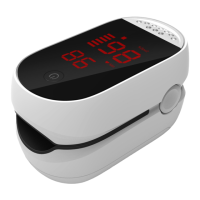
3. Press button to activate
the oximeter. You will need to
wait for 5 more seconds for the
pulse oximeter to stabilize its
readings.
Customize Settings
Non-professionals are advised
not to customize the settings
and use the default mode.
After power on, long press
button (> 2s) for entering


 To Next Page