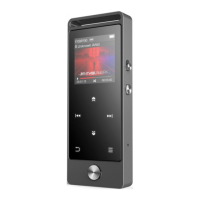
- Click the VOL button and choose yes to save the recording.
- Find the saved recordings in Recordings >Recordings library.
Click the button M/VOL to select from all the recordings you have
saved. Then click the button to play the recordings.
Last Played(Now Playing)
When there is a Last Played(Now Playing) icon in the main interface,
click button to access to its function. The music/radio playing
interface will be shown, and it will resume playing music/radio
from where you left.
Note: When there is no music/radio playing in the backstage, the
Last Played(Now Playing) function will not be available.
Help and Troubleshooting
● Can’t turn the player on
Please check whether the battery has been run out, maybe you can
connect the player with computer and try again after charging.



 To Next Page