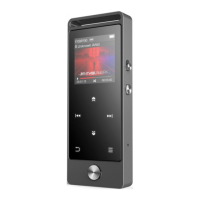
Music
Two ways to play music
1. Playing music via Bluetooth
Make sure your device's Bluetooth is in pairing before turning on player's
Bluetooth. Press the button to access to Bluetooth of player, and then this
player will automatically search for devices for about 10s that can be connected.
After a successful search, select the device that you would like to connect.
Note: If you want to make the Bluetooth of this player being on, please make sure
that Bluetooth on/off memory is on. Every time you boot up this player, its
Bluetooth will turn on automatically and connect your device automatically that
had been connected before.(Ensure your device's Bluetooth is on.)
2. Playing music via wired earphones.
Press the button to return Home menu. Select "Music" and press the button
to access to its function. You can listen to music via wired earphones.
Features:
The related list will show, including: All Songs, Now playing/Last played, Genres,
Update playlist, Local folder and Card folder. Choose from the menu, and press the
button to play music.
1. "Now playing/Last played". Take you back to the song or audio file you are
playing now or played last time.
2. "Update Playlist". Update music file.
Note:
Local folder and card folder function is only available when SD card
inserted.
3. "Rewind/Forward". While it's on music playing interface, hold the button to
fast forward, click to next music file; hold the button to fast rewind, click to
the previous song files. Click button to play/pause.
Submenu
While it's on music playing interface, click button to access to the submenu.
The related list will show:



 To Next Page