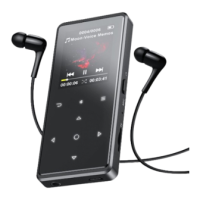
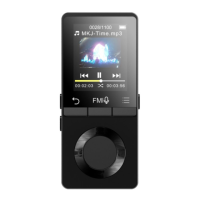
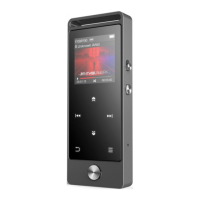
Insert the earphone, then select FM frequency from 87.5 to
While in the FM radio playing interface, press button M to enter
the submenu: Home, Start FM radio recording, Presets, Save to preset,
Clear preset, Auto tune, Tuner region, FM recording.
Tune to the radio station you want. Choose Start FM radio
recording to start recording the radio. Click to pause/resume.
Click and choose yes to save the recording and it will back to
the FM radio interface automatically. Click button M to find the
saved recordings in FM recording.
Note: The radio recordings will also be saved in
Recordings >Recordings library.
Find Folder View on main screen with button to access to its


 To Next Page