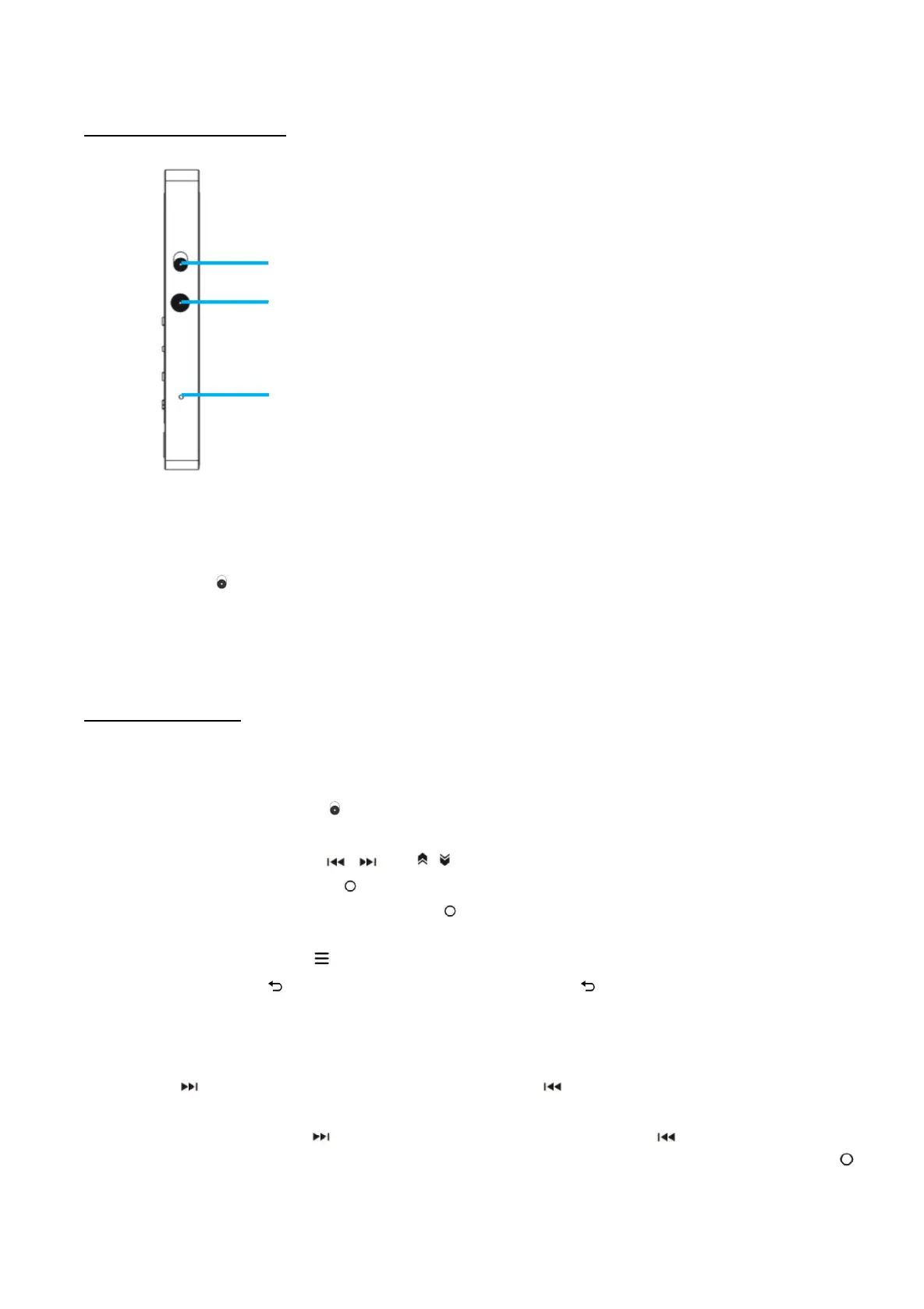
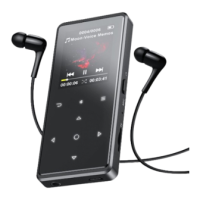
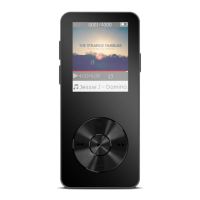
1. Press and hold the power button on the right side, when boot animation
shows up, AGPTEK-M30 is powered on.
2. Move button down, the buttons can be operated normally.
3. When you turn on AGPTEK-M30 for the first time, the initial setup
wizard starts. During the initial setup, you can set the language.
During the initial setup, you can set the following options.
Power on/off. Long press the power button for 3 seconds to turn on/off the player.
Screen on/off. Short press the power button to turn on/off the screen display.
Lock/unlock. Move button up to lock buttons and all buttons will be unavailable; move it
down to unlock and enable buttons.
Browse item. Press button / or / to browse and choose items
Enter/Confirm. Press button to enter item or confirm your option.
Shortcut function. Press and hold button for 2 seconds to quickly open the specified
function, which you need to set in Settings>Shortcut keys setting in advance。
Submenu. Press button to access to the relative submenu
Back. Press button to go back. Press and hold button to return to the home menu.
Next/Previous track. When it is on music playing interface or the screen display is off, press
button to switch to next music file; press button to skip to the previous music file
Fast forward/backward. When it is on music playing interface or the screen display is off,
hold down the button to fast forward; hold down the button to fast backward.
Play/Pause. When it is on music playing interface or the screen display is off, press button


 To Next Page