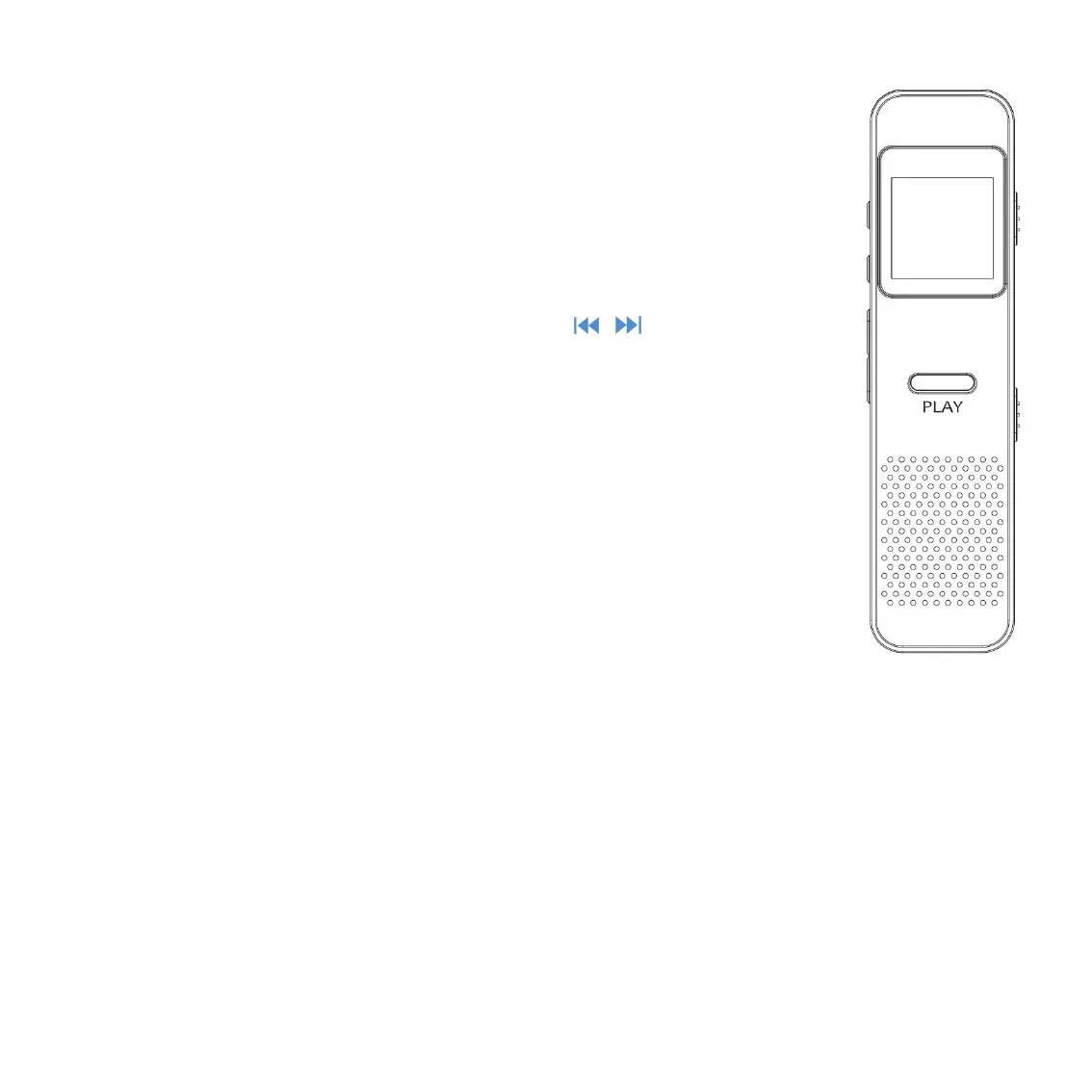
Plug earphone into the jack of the recorder, then
slide the power slider to “ON” position to turn on
Each time you press the button / , it will bring
you to one of its 4 different functions, including REC,
Music, Set, playing/played(Only available when there
is music/recordings playing/paused in the
Press the PLAY button to access to its function.
1. Charge your recorder by the included 3.5mm USB connector.
Connect you recorder with a running computer through the USB
2. Charge your recorder via a 5V/500mA charge adaptor (not
included in the package).



 To Next Page