Disconnect from paired device
1. Press and hold to switch to new "Searching/Pairing" mode, the paired device will
be disconnected. Or, you can choose "Disconnect" from Bluetooth paired device list
on your mobile device. In this case; the Bluetooth Speaker will turn back into
"Searching/Pairing" mode in seconds, a series of tones will sound and the is
2. Now, you can process for new mobile device pair or power off the Bluetooth Speaker.
Note: If Bluetooth is not connected for more than 8 minutes, this device will shut
Auto re-connect with paired device and New pairing
1. Every time you turn on the speaker and enter into Bluetooth mode; it will firstly
searching for the mobile device, which has been paired previously and still in record.
The Speaker will re-connect this mobile device as priority if it is in Bluetooth searching
2. If not found in some seconds, the Bluetooth Speaker then is turn into new pairing
3. Now you can process for new mobile device pair. (refer to “Power on and Pairing”)
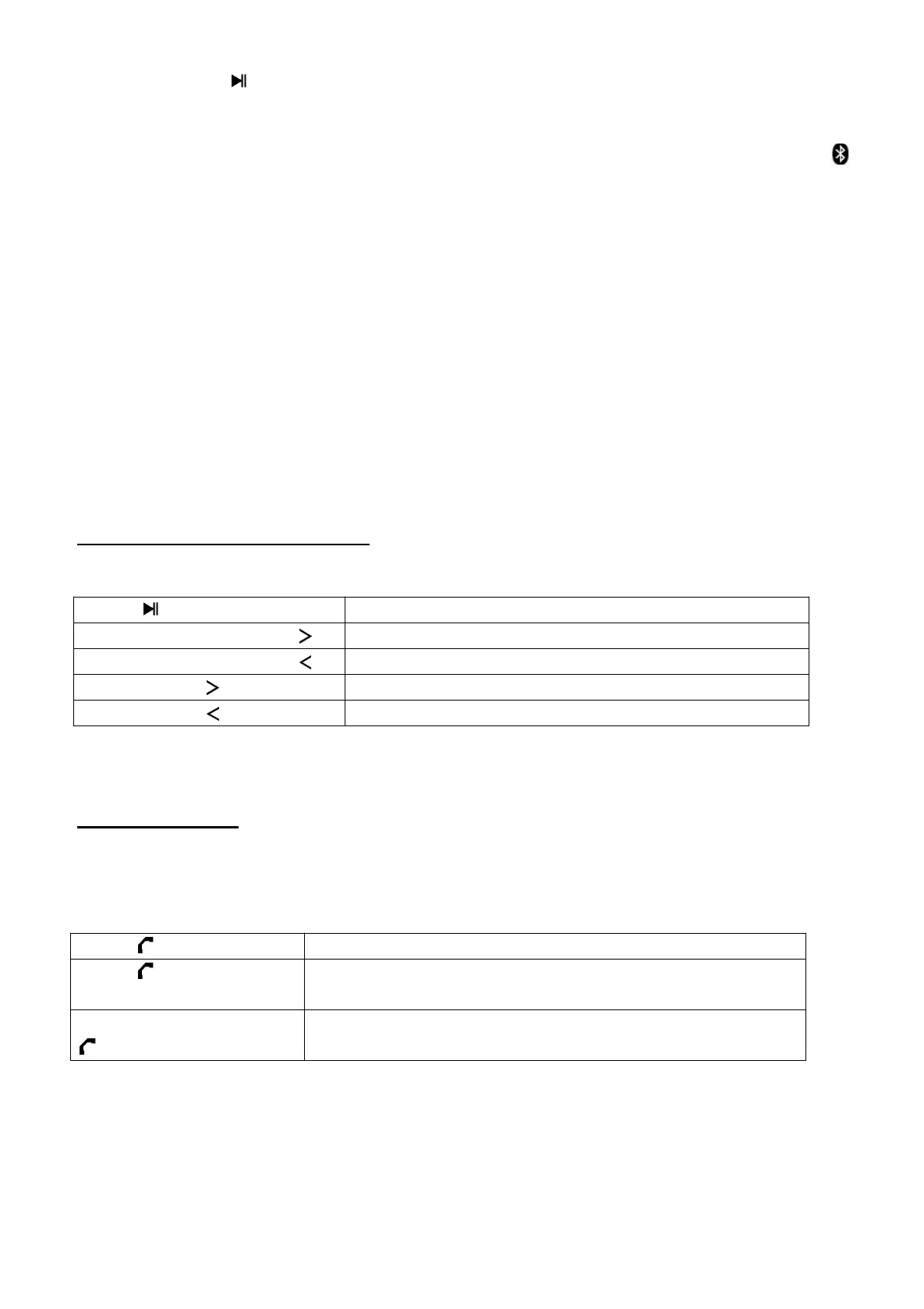
Music Function Controls
In music playing interface,
to pause/resume the music
increase the volume level
decrease the volume level
Note: When maximum or minimum volume is reached, a series of tones will sound.
About how to use Hand free Function
When there is an incoming call during Bluetooth music playing mode;
The ringing sound will up and the playing music will pause automatically.
Tip: speak to the MIC hole directly with distance in 30~60cm to get the best
speakerphone performance when necessary.
pick up the call if you want
hang up the call when finished. And the paused
music will start to play automatically
Press and hold button
for 3 seconds


 To Next Page