Note: the shuffle repeat option only works
under the folder that the now playing music
“Repeat Settings”(only available when
Choose “ Replay settings ” > “ Replay
Mode” to access to its function, the icon
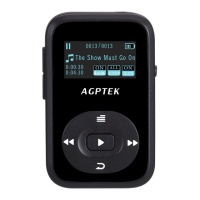
for A-B will appear on music playing screen.
Starting time for replay is confirmed while
clicking the icon (B is flashing), click the
button again and then it will start replaying
(adjust the replay paragraph according to
your need). Click the button again to back
Choose “Replay settings”>“Replay Times”
Choose “Replay settings”>“Replay Gap”
- Equalizer. You can choose “ Rock ” ,
“Funk”, “Jazz” etc. according to your



 To Next Page