1. Install batteries.
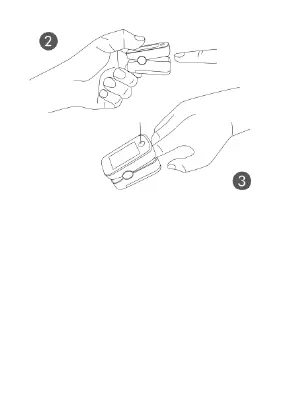
2. Press the bottom to open the
probe.
3. Insert the finger.
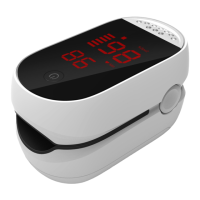
4. Press button to activate
the oximeter, you will need
to wait for 8 more seconds
for the pulse oximeter to
stabilize its readings. (Note:
Support showing readings in



 To Next Page