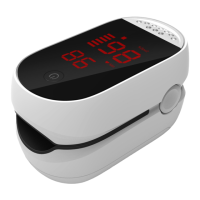
2 directions, short press to
change the reading
direction.)
Customize Settings
Non-professionals are advised
not to customize the settings
and use the default mode.
After power on, long press
button for entering Settings,
short press to view the value of
each item, and long press to
enter the item’s submenu.
Then, short press to select the
parameter and long press to
confirm.
Item 1: Setup the brightness of
LED display
Item 2: Setup the SpO2 alarm
limits



 To Next Page