EasyManua.ls Logo

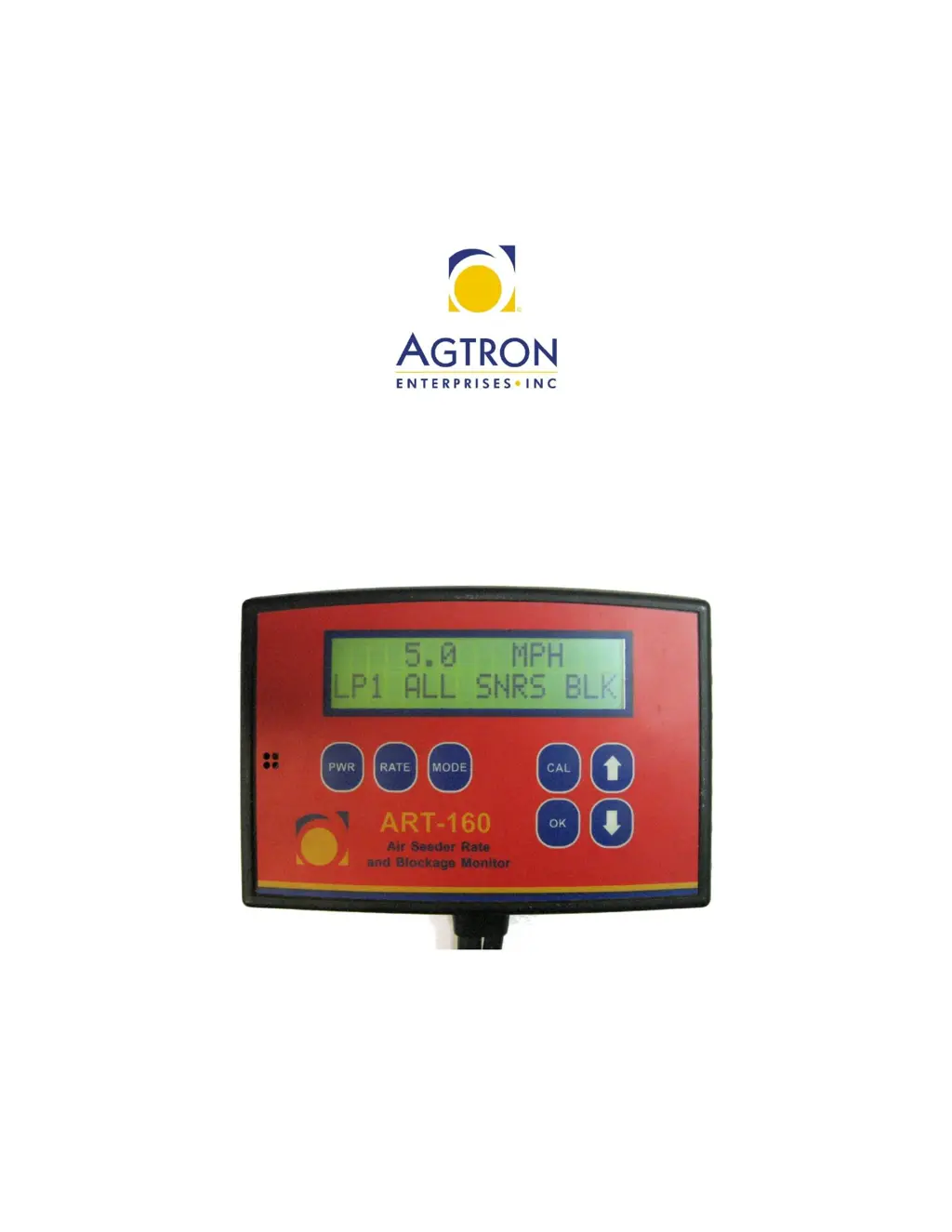
AGTRON ART 160 - User Manual

AGTRON ART 160
48 pages
Print Icon
To Next Page IconTo Next Page
Loading...
Single and Dual Loop Rate & Blockage System
Operators Manual

Questions and Answers

  • A
    Amy MillerSep 8, 2025
    What to do if my AGTRON ART 160 Monitor displays 'REBOOT SYSTEM 01'?
    • J
      Jacqueline BeckerSep 8, 2025
      The 'REBOOT SYSTEM 01' message on your AGTRON monitor indicates a memory error, often caused by the application and removal of power to the monitor. Make sure the monitor is not connected to switched power. If it is, change the wiring to connect the monitor directly to the battery terminals of the tractor. Then, remove both the positive and negative wires from the battery and touch them together to reboot the system. Re-connect to the battery and restart the monitor as usual.
  • M
    Miss Carolyn Raymond DVMAug 23, 2025
    What to do if my AGTRON Monitor displays SNR # ERR one number above total sensors installed?
    • J
      jonesjanetAug 23, 2025
      If your AGTRON monitor shows 'SNR # ERR' with the number one above the total sensors installed, it indicates the monitor is reading an incorrect number of sensors. To resolve this: * Check all the cables and connections from the last sensor to the monitor head. * Bypass the last sensor by connecting the second last sensor to the Sensor Loop Cable to the Y-Cable. If the issue persists, try replacing the last sensor in the loop, connecting a Seed Sensor directly to the Y-Cable, replacing the Y-Cable, or replacing the Sensor Loop Cable between the Y-Cable and the last Seed Sensor.
  • B
    Brett JohnsonAug 25, 2025
    What to do if AGTRON ART 160 Monitor displays HIGH/LOW alarms when HIGH/LOW alarms are set to 0?
    • P
      Pamela TannerAug 25, 2025
      If your AGTRON monitor displays HIGH/LOW alarms even when they are set to 0, it indicates a problem with the System Units. First, power down the system and turn it back on. If the problem persists, press MODE, then CAL until the SYSTEM UNITS screen appears. Change units from SAE to METRIC using the arrow keys. Return to the main RATE screen and confirm HIGH/LOW alarms are set to 0. Change units from METRIC back to SAE. If the issue still persists, press MODE, then CAL until the SET DEFAULT CAL screen appears. Press and hold OK until DEFAULT CAL is set message appears to restore to factory defaults.
  • M
    Marissa RyanAug 26, 2025
    How to resolve intermittent communication errors on AGTRON Monitor?
    • M
      margaretmillerAug 27, 2025
      For stationary system testing, check all cables for stretching or pinching. Clean any connections that may have been left open and re-apply silicone grease (Agtron part number 850039001). Look for damaged cable jackets from over-tightened tie- straps. Spray sensors with water if indication that the system fails after rain. You can also bypass all the towers except tower #1 and check for reliable operation while seeding. Bypass individual Seed Sensors until reliable operation is achieved. Add tower #2 and check for reliable operation. If the issue persists, replace the main extensions, Y cable and sensor loop cables.
  • E
    Elizabeth MartinAug 27, 2025
    Why does AGTRON ART 160 display REBOOT SYSTEM 01?
    • J
      John OsbornAug 27, 2025
      The 'REBOOT SYSTEM 01' message on your AGTRON monitor indicates a memory error due to the application and removal of power to the monitor. To fix this, ensure the monitor is not connected to switched power. Change the wiring to connect the monitor directly to the battery terminals of the tractor. Remove both the positive and negative wires from the battery and touch them together; this will reboot the system.
  • E
    ehutchinsonSep 22, 2025
    Why does my AGTRON Monitor display ERR alarms when one loop is disabled?
    • S
      Susan VelazquezSep 22, 2025
      The AGTRON Monitor displaying ERR alarms when one loop is disabled, but not when both loops are enabled, indicates that the loops are connected, but the cables are crossed either going to sensor 1 or coming back from the last sensor. Carefully trace one Loop of sensors to find where the cables are crossed. Switch the incorrect connections to create two independent loops. Cycle power on the monitor head to reset the system.
  • K
    Kimberly PriceSep 16, 2025
    What causes blocked sensor messages on AGTRON ART 160 and how to resolve?
    • R
      Roy SullivanSep 16, 2025
      If your AGTRON monitor is showing blocked sensor messages, it could be due to the sensor being blocked. Clean any blockage from the indicated run. If the run isn't blocked, verify the Sensitivity isn't set too high and check inside the distribution towers for foreign material. If the same sensor always gives the blocked message, trade that sensor with one in another position. If the blocked message moves with the sensor, replace that sensor.
  • C
    Courtney JonesSep 18, 2025
    What does SNR # CLN mean on AGTRON ART 160 and how to resolve it?
    • A
      Angela GillespieSep 18, 2025
      The message 'SNR # CLN' on your AGTRON monitor indicates that the optical detectors inside the sensor tube are dirty. Note the indicated seed sensor number and clean the indicated seed sensor with warm water and a bristle pipe brush. If the problem persists, bypass the indicated seed sensor. If the message is no longer displayed, replace the bypassed seed sensor.
  • E
    Elizabeth HuntSep 7, 2025
    How to fix speed sensor if it's installed but not showing on AGTRON ART 160 Monitor?
    • K
      Kelly PattersonSep 7, 2025
      If your speed sensor is installed but not showing on the AGTRON monitor, it might not be on the proper sensor channel. Channels 1, 2, and 3 are for the DB9 connector, 4, 5, and 6 are for Loop 1, and 7, 8, and 9 are for Loop 2. Also, ensure the sensor is within ½” of the magnet. To select the correct channel: from the main RATE screen, press MODE once, then CAL until the SELECT SNR CH# screen appears. Select the channel using the UP or DOWN arrows, then press OK. In the SNR CH# screen, use the arrow keys to select the Speed Sensor and press OK.
  • B
    Brandon JohnsonSep 4, 2025
    Why does AGTRON Monitor Seed Rate show XXXXX?
    • R
      Robin FoleySep 4, 2025
      The AGTRON monitor displaying 'XXXXX' for the seed rate occurs when the reading is above the maximum number the display can handle. To resolve this, go to the Seed Rate Wizard and press OK. Enter zero (0) for the desired seed rate and press OK, press power make sure says maintaining and saving, power back on do seed rate wizard again (make sure seed is flowing through sensors, and no errors/blockages occurring). If the display still shows 'XXXXX', perform a default calibration, power down the head, power back on, and re-enter all settings.

AGTRON ART 160 Specifications

General IconGeneral
Display Size15.6 inches
Screen Size15.6 inches
Aspect Ratio16:9
Panel TypeIPS
Brightness250 cd/m²
Contrast Ratio1000:1
Resolution1920 x 1080 (Full HD)
Viewing Angle178° (H) / 178° (V)
Input PortsHDMI