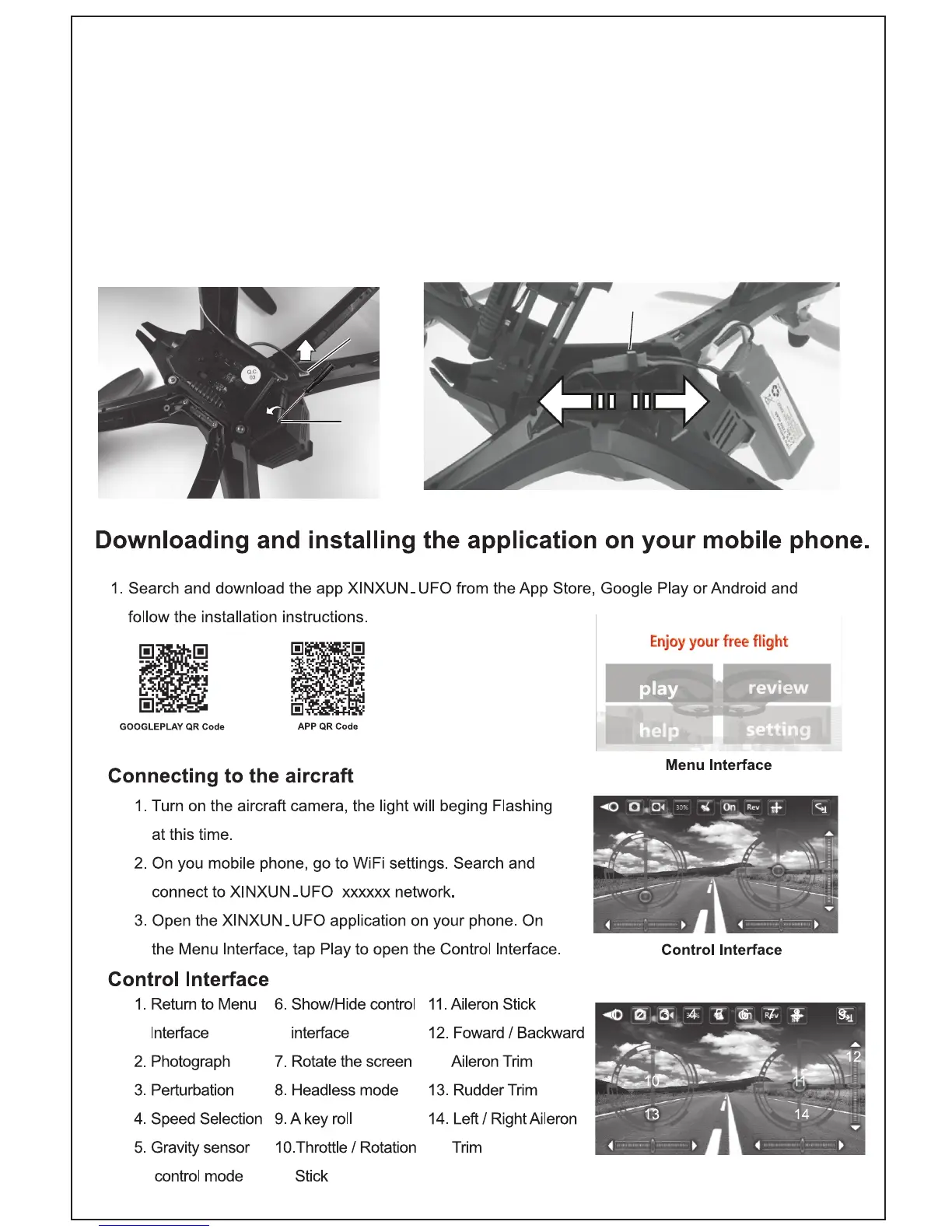
B1
B2
INSTALLING THE LiPo BATTERY
- Open the battery compartment cover by unscrewing the battery
compartment as show in B1 securing screw in anti-clockwise motion
and disconnect the plug from camera connection as shown in B2.
- Gently plug the red adapter on the LiPo battery to the red socket in battery
compartment as shown in B3.
- Be careful not to damage the circuit board under the battery compartment
while connecting or disconnecting the battery. There is a risk of re!
B3
4



 To Next Page