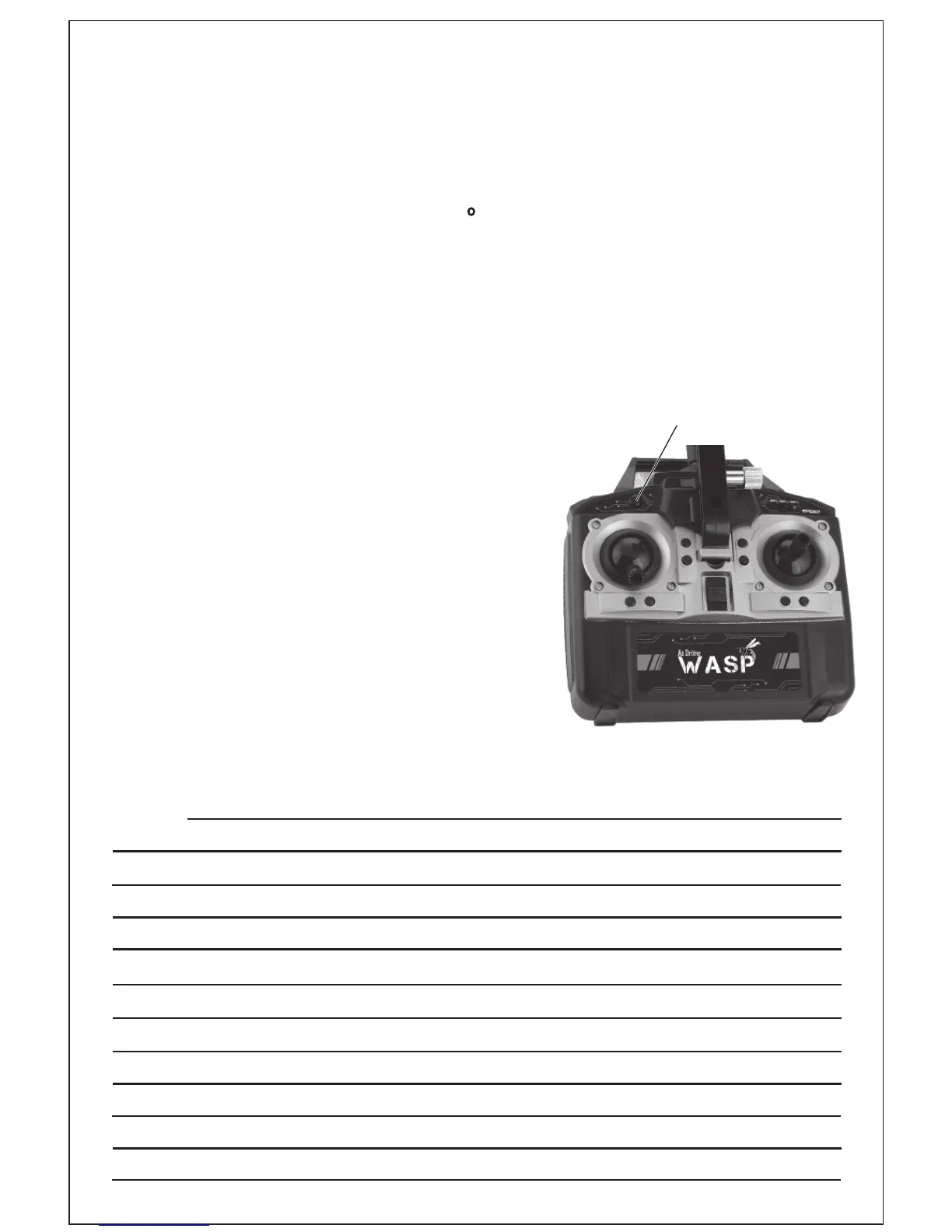
WHAT IS HEADLESS MODE?
Regardless of where the WASP Drone turns, the direction of the ight
always corresponds exactly to the direction specied with the control
for forward/backward and sideways movement. An example: If the
WASP Drone were to be turned 180 and own towards the operator, the
operator would have to convert the forward/backward and sideways
movement accordingly. This is no longer necessary if the headless mode is
is activated, as the internal processor converts the control directions
automatically. This feature supports beginners in the initial stages. Pressing
the headless mode button again deactivates the mode.
ATTENTION : WASP Drone notes the forward
direction each time the headless mode is
activated. This means that the operator
must not turn when controlling, as this
would change the concept of forwards/
backwards and right/ left in relation to
the WASP Drone. If the operator changes
position and wants to use headless mode
or if the control direction is no longer
correct due to a collision, the WASP Drone
must be restarted.
HEADLESS MODE
BUTTON
NOTES
7



 To Next Page