Need help?
Do you have a question about the AIC RSC-4BT and is the answer not in the manual?
Lists items included in the package.
Details the technical specifications of the chassis.
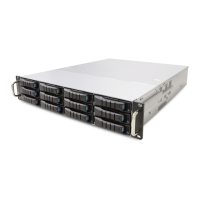
Provides an overview of the RSC-4BT chassis features and front panel.
Guides on how to remove and install the top cover.
Instructions for installing or removing HDDs.
Steps for removing and installing the Power Supply Unit.
Instructions for removing and installing fan modules.
Guides for removing and installing the HDD backplane.
Instructions for installing the tool-less slide rails.
Details the hardware design and placement.
Identifies the location of various connectors on the PCB.
Details the pinout and configuration of power connectors.
Describes the fan connector pinout and function.
Explains jumper settings for fan configuration.
Provides a map of drive slots for different card types.
Guides on updating expander firmware via a phone connector.
Explains how to update expander firmware using the in-band method.
Details how to get and change EDFB status.
Guides on checking and setting HDD power status.
Instructions for checking and setting HDD BP thermal sensor temperatures.


 To Next Page
 General